The Best Ashby Integrations in 2026
August 2026 / 11 min read / Written by our editorial team
Ashby isn't a novice in recruiting. The platform covers sourcing, scheduling, analytics, and AI throughout the hiring process, but even the best ATS can’t do everything. With the right Ashby integrations, you can bring specialized capabilities into your ATS, filling the gaps without adding unnecessary or duplicate software to your workflow.
In this guide, we’ve focused on 5 integrations that complement what Ashby already does well, while also solving a distinct recruiting need. Each pick is designed to enhance your ATS for a more connected and complete hiring process.
Our Top Picks
- Hire-Match: Best for candidate evaluation
- Slack: Best for recruiting collaboration
- Checkr: Best for background checks
- Xref: Best for automated reference checks
- Workday: Best for connecting recruiting and HR
Short on time? Skip straight to the reviews.
How We Evaluated the Integrations
Instead of listing 10 generic but compatible tools, we focused on 5 unique Ashby integrations that add real value to your recruiting stack.
Each recommendation:
- Fills a genuine gap: We prioritized tools with specialized capabilities beyond what Ashby already excels at, for a more complete recruiting workflow.
- Complements your existing stack: Each integration solves a unique recruiting challenge, rather than choosing tools competing for the same job.
- Is easy to connect: Where possible, we prioritized native ATS integrations officially supported or recommended by Ashby that can be connected without complex implementation.
- Offers practical recruiter value: We considered how much time, manual work, or context switching each integration could remove, as well as whether it creates a smoother flow of candidate data between systems.
- Is verified by Ashby: We reviewed Ashby’s official documentation on integration alongside current information from each provider to understand how the integration works and what workflows it supports.
Disclosure: Although Hire-Match is included in this comparison, we evaluated every platform against the same criteria to ensure a consistent and transparent review process.
The Best Ashby Integrations at a Glance
Take a peek at our summary table for a rundown of the top integration tools and their key benefit.
Note: Hire-Match is the only recommendation on our list that isn't a native Ashby integration. Instead, Hire-Match's engineering team manages the custom API integration and data mapping during onboarding, so your recruiting team isn't responsible for building the connection.
The Best Ashby Integrations in 2026 Reviewed
Our top 5 integrations complement rather than compete with one another or with Ashby. Each platform adds a unique capability to your Ashby recruiting workflow.
1. Hire-Match
Best for: Recruiting teams that want to evaluate applicants more deeply and identify their strongest candidates without replacing Ashby.
Key Features
- AI resume screening
- Talent assessments
- AI & asynchronous interviews
- Predictive Success Model
- Candidate ranking and shortlists
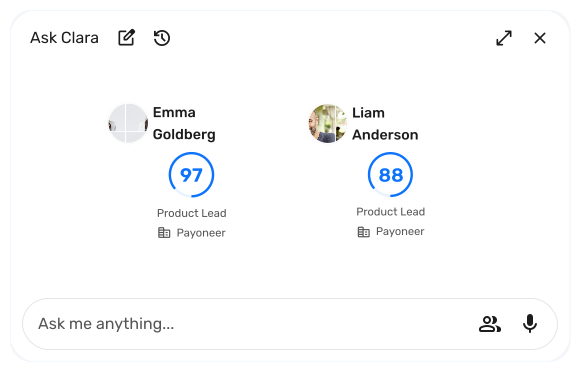
- Clara AI Recruiter
Why Hire-Match Earned Our Top Spot
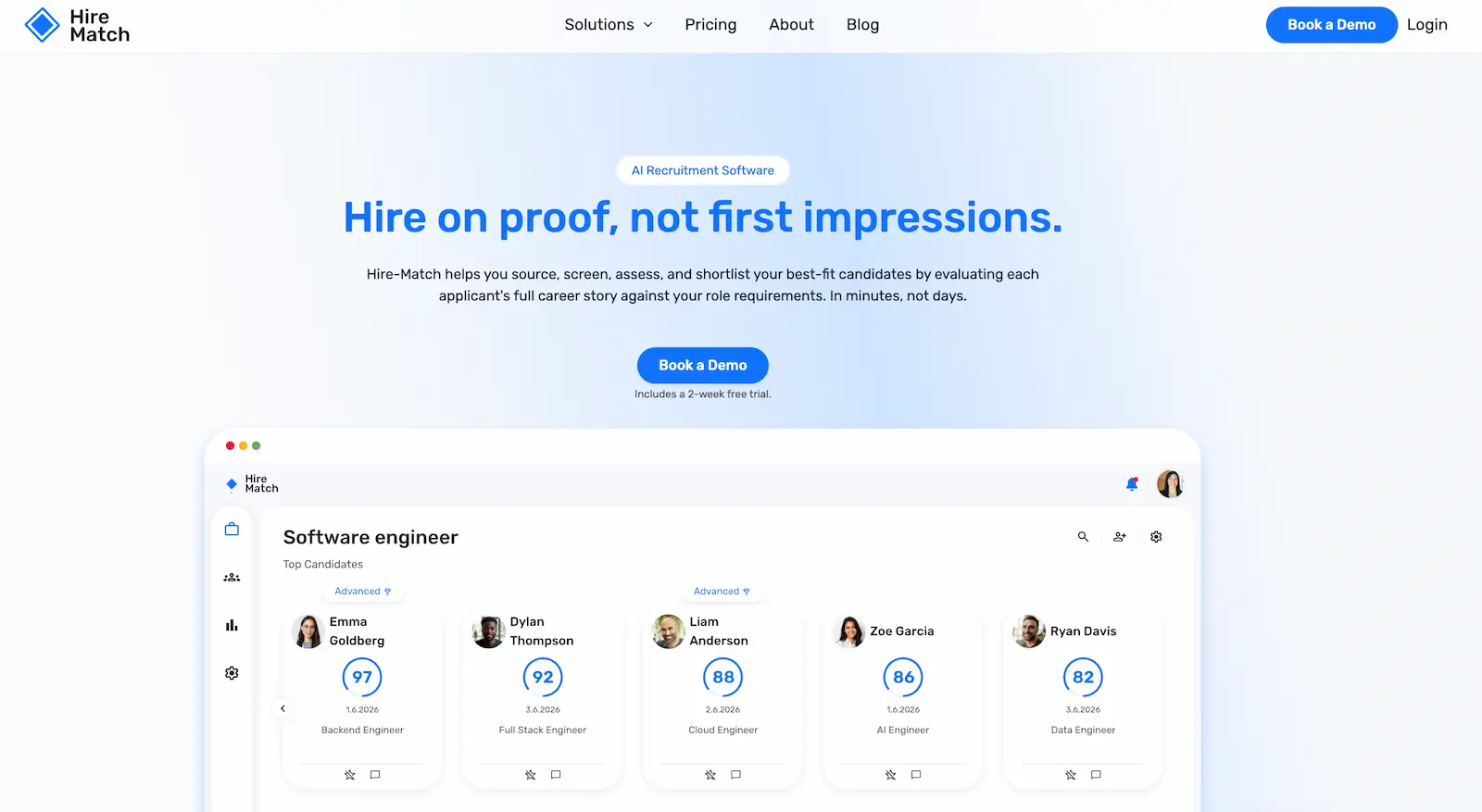
Hire-Match works as an additional candidate intelligence layer on top of your ATS. For those without an ATS, it can also work as a standalone tool. Instead of basic keyword filtering, recruiters can evaluate applicants against the requirements of the role using multiple data points to determine candidate fit.
The software combines evidence from a candidate's career history, candidate assessments, and AI interviews into an overall evaluation. Candidates are ordered into a ranked shortlist, saving recruiters the manual labour of reviewing hundreds of unsuitable candidates. Clara AI recruiter makes those recommendations easier to understand by showing recruiters why candidates rank highly, where potential concerns exist, and what evidence supports the evaluation. Hire-Match is a solid option for any team that wants to make stronger hiring decisions based on deeper candidate evaluation backed up by real evidence.
Pros
- ✓ Adds deeper candidate evaluation without requiring teams to replace their ATS.
- ✓ Combines resume, assessment, and interview evidence into a more complete candidate evaluation.
- ✓ Provides explainable recommendations, not just a single candidate score.
- ✓ Pricing is based on simultaneously active job openings, not applicant volume.
Cons
- − Not a native or one-click Ashby marketplace integration.
- − Initial setup may be more technical than some alternatives, but this is supported by the Hire-Match team.
Integration With Ashby
Hire-Match connects to customers' existing ATSs through a managed custom integration using secure APIs and webhook mapping. This doesn't mean recruiters are expected to build the connection themselves. During onboarding, Hire-Match's engineering team handles the technical implementation and data mapping required to connect Hire-Match with the customer's existing ATS.
Pricing
Hire-Match charges based on how many job openings are active simultaneously rather than charging per recruiter seat or applicant. Every plan includes access to the complete platform, but assessments are an optional extra. A 2-week free trial and demo are also available.
2. Slack
Best for: Teams that already use Slack and want recruiters, hiring managers, and interviewers to stay updated and take action without constantly switching back to Ashby.
Key features:
- Real-time recruiting notifications
- Private interview channels
- Ashby assistant and custom agents
- Recruiting reports and alerts
- Candidate communication
Why We Chose Slack
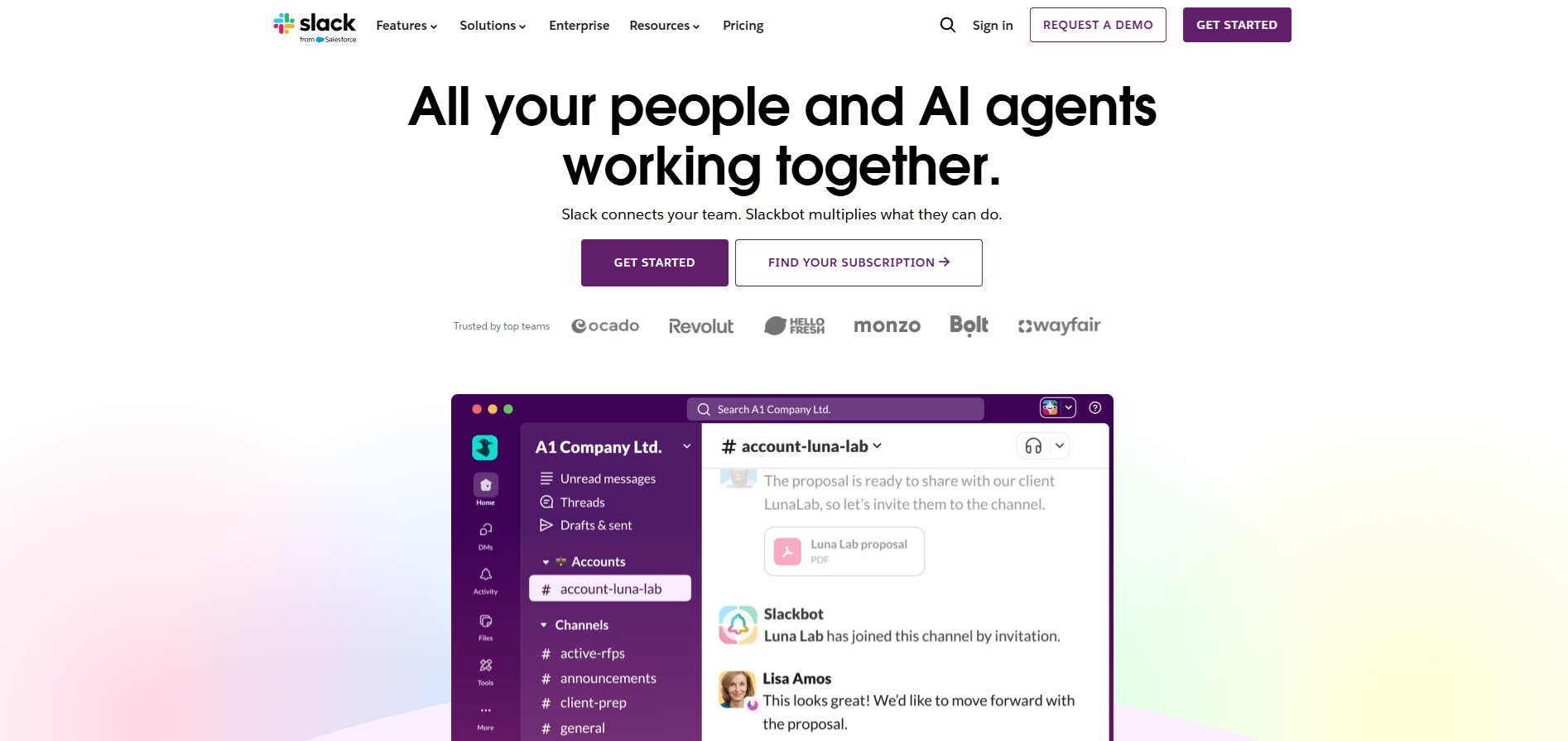
Ashby provides plenty of ways to communicate recruiting updates, but Slack makes that information harder for busy hiring teams to miss. Instead of expecting interviewers and hiring managers to regularly check the ATS, Ashby can bring reminders, candidate updates, reports, and interview discussions into a platform they're already using throughout the day.
But this Ashby integration is about more than simple notifications. Private interview channels can keep everyone involved in a candidate's interview loop together, while Ashby Assistant lets users look up recruiting information and complete certain ATS actions directly from Slack. For teams where recruiting involves stakeholders outside the talent acquisition department, this can reduce context switching while keeping recruiting activity connected to Ashby.
Pros
- ✓ Brings recruiting updates and actions into an existing team communication workflow.
- ✓ Automatically creates and archives private candidate interview channels.
- ✓ Supports interviewer reminders, recruiting alerts, and scheduled dashboards.
- ✓ Ashby Assistant can retrieve information and perform selected recruiting actions from Slack.
- ✓ Replies to supported notifications and candidate texts are recorded back in Ashby.
Cons
- − Most useful for organizations that already rely on Slack.
- − Individual Slack notifications are disabled by default and need to be activated by users after the integration is enabled.
Integration with Ashby
Slack is a native Ashby integration available through Ashby’s integration marketplace. A Slack workspace admin can connect it by selecting “Add to Slack” and approving the requested permissions. Teams can configure features such as Slack notifications, interviewer reminders, alerts, scheduled dashboards, and interview channels. Ashby Assistant and custom agents can also work within Slack once the relevant features are enabled.
Pricing
Slack integration with Ashby is free and is already included with an Ashby subscription. Slack offers a free plan, but there are more advanced features for Slack Pro, with budget-friendly starting plans as well as Business+ and Enterprise options.
3. Xref
Best for: Recruiting teams that want to automate reference checking and keep the progress connected to their existing Ashby workflow.
Key features:
- Automated reference checks
- AI reference summaries
- Customizable reference surveys
- Reference insights and fraud detection
- Automated reminders
- Talent pool of referees
Why We Chose Xref
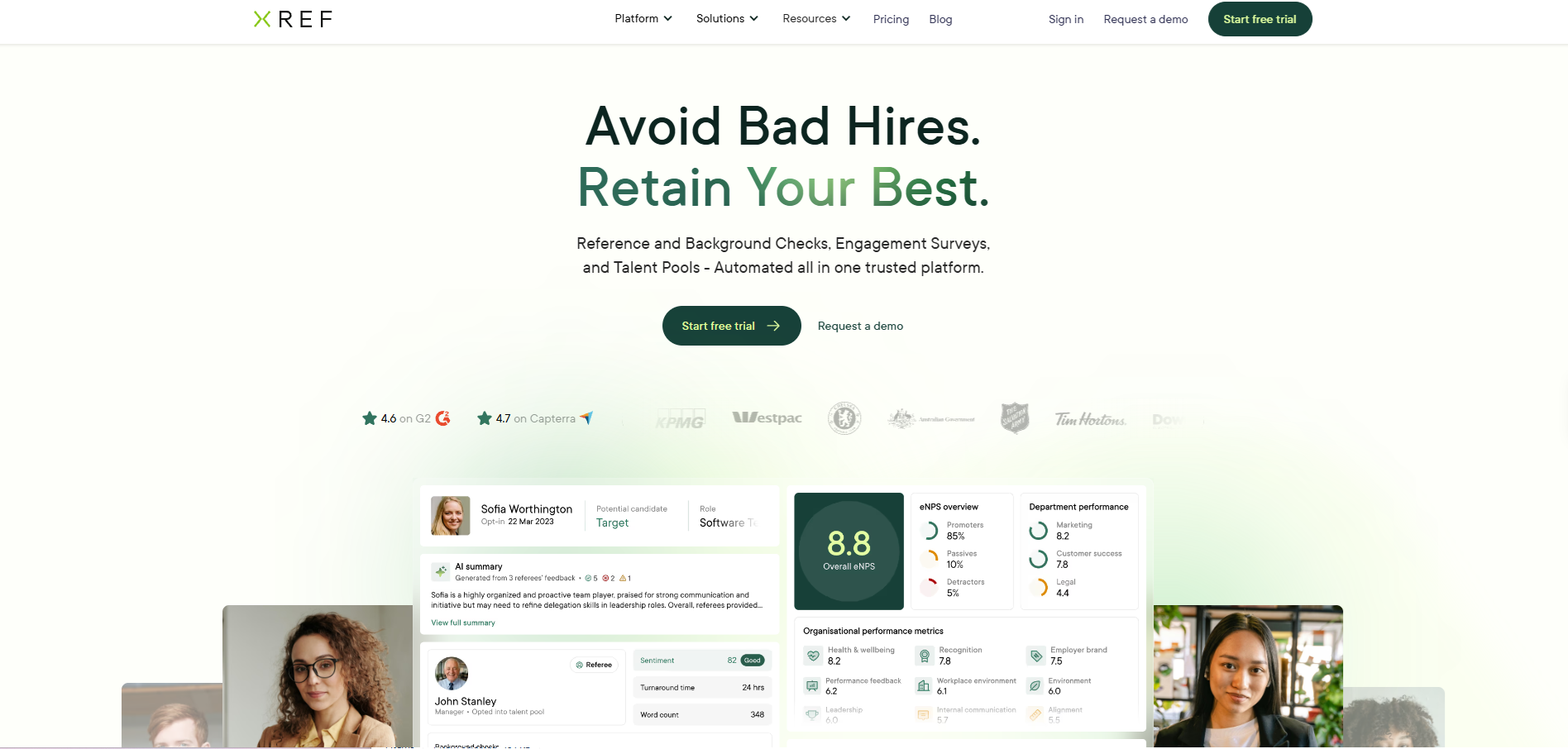
Reference checking is an area where a specialized integration can fill a clear gap in Ashby. While Ashby lets recruiters collect reference details through questionnaires and manually record reference feedback, it doesn't currently provide a dedicated tool for requesting and completing reference checks. Meetings with referees also need to be arranged outside the platform.
Xref adds an automated reference-checking workflow without forcing recruiters to manage this process outside of Ashby. Reference checks can be added to an interview plan, triggered at a particular stage of the hiring funnel, or requested from a candidate profile. Recruiters can monitor their progress directly from Ashby and access the results once completed.
Pros
- ✓ Automates repetitive reference requests and reminders.
- ✓ Reference checks can be incorporated directly into Ashby interview plans.
- ✓ AI summaries make lengthy referee feedback easier to review.
- ✓ Provides customizable and pre-built reference survey questions.
- ✓ Includes reference analytics, sentiment analysis, and fraud detection.
- ✓ Supports multiple languages and unlimited users across its standard plans.
Cons
- − Some users report reference requests being mistaken for spam or landing in spam folders.
- − Individually completed references may need to be exported separately rather than combined into a single PDF.
- − Custom questions and report sharing/tracking are reserved for higher-priced plans.
Integration with Ashby
Xref is a native Ashby integration available through the Ashby integration marketplace. Ashby administrators connect an existing Xref account using API keys from both platforms. You can then choose to incorporate one-off checks, interview plan checks, or stage-based checks. Setup takes as little as 24 hours.
Pricing
Xref has a transparent pricing model based on the size of the organization. Plans begin with Starter, Growth, Plus, Premium, and Enterprise. Advanced functionality increases with higher tiers, and billing is offered monthly or annually.
4. Checkr
Best for: Recruiting teams that want to add thorough background screening to their Ashby workflow without manually moving candidates between separate systems.
Key features:
- Criminal background checks
- Employment and education verification
- International background checks
- Identity and driving record checks
- Adjudication workflows
- Candidate portal
Why We Chose Checkr
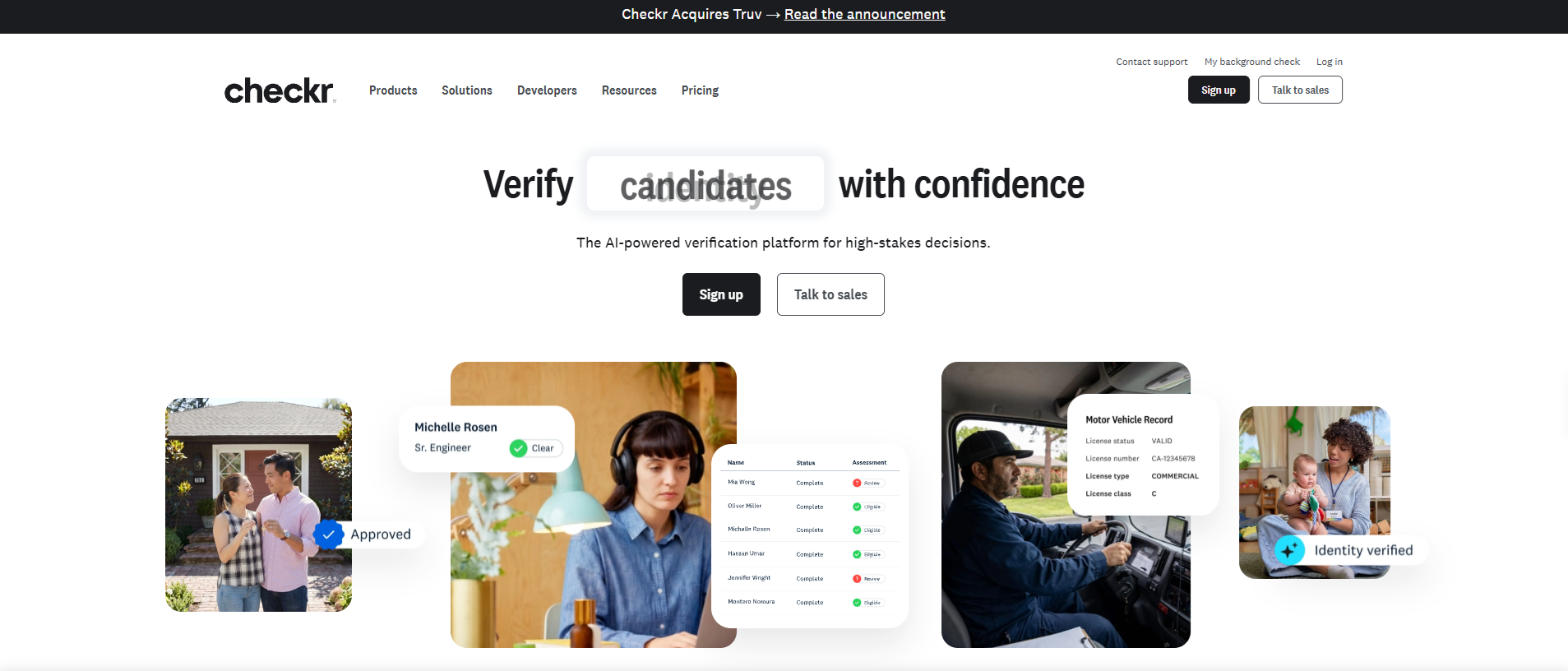
Background checks require specialist data, verification, and compliance infrastructure. By integrating with Ashby, Checkr adds that capability while keeping the workflow within the ATS. Recruiters can add a Checkr background check as part of an interview plan and automate it to trigger when a candidate receives a job offer.
The recruiter can choose their preferred screening option and send the check to the candidate without leaving the Ashby dashboard. Checkr can verify information that candidates provided for previous employment, verify identities, motor vehicle records, and perform international checks for candidates outside of the US. For companies that run regular background checks or work in industries caring for vulnerable people, Checkr is an essential addition to your tech stack.
Pros
- ✓ Initiate background checks directly from an Ashby candidate profile.
- ✓ Add Checkr activities to specific stages of an Ashby interview plan.
- ✓ Supports criminal, employment, education, driving record, identity, and international checks.
- ✓ Checkr status is visible from the Ashby candidate dashboard.
- ✓ Individual Ashby users don't need separate Checkr accounts to initiate checks.
- ✓ Offers packages for different screening requirements and role types.
Cons
- − Some account settings still need to be managed within Checkr rather than Ashby.
- − Checkr activities can be added automatically when candidates reach certain stages, but the check itself must still be started manually.
- − Additional third-party/pass-through fees may apply.
Integration With Ashby
Checkr is a native Ashby integration available through the Ashby Integrations Marketplace. An Ashby Organization Admin can connect an existing Checkr account or begin creating a new Checkr account directly through Ashby. New customers must complete Checkr's credentialing process before ordering employment background checks.
Pricing
Checkr uses per-report pricing, so costs depend on the number and type of background checks ordered. Pricing plans are tiered into four categories: Basic, Essential, Complete, and International checks. The higher-tier packages add searches such as unlimited county, state, and federal criminal records. Additional third-party or pass-through fees may also apply depending on the searches required.
5. Workday
Best for: Enterprise organizations already using Workday that want to connect recruitment in Ashby with wider HR processes.
Key features
- Payroll, compensation, and benefits
- Workforce planning
- Talent management
- Workforce schedules and time-tracking management
- Ashby data sync
Why We Chose Workday
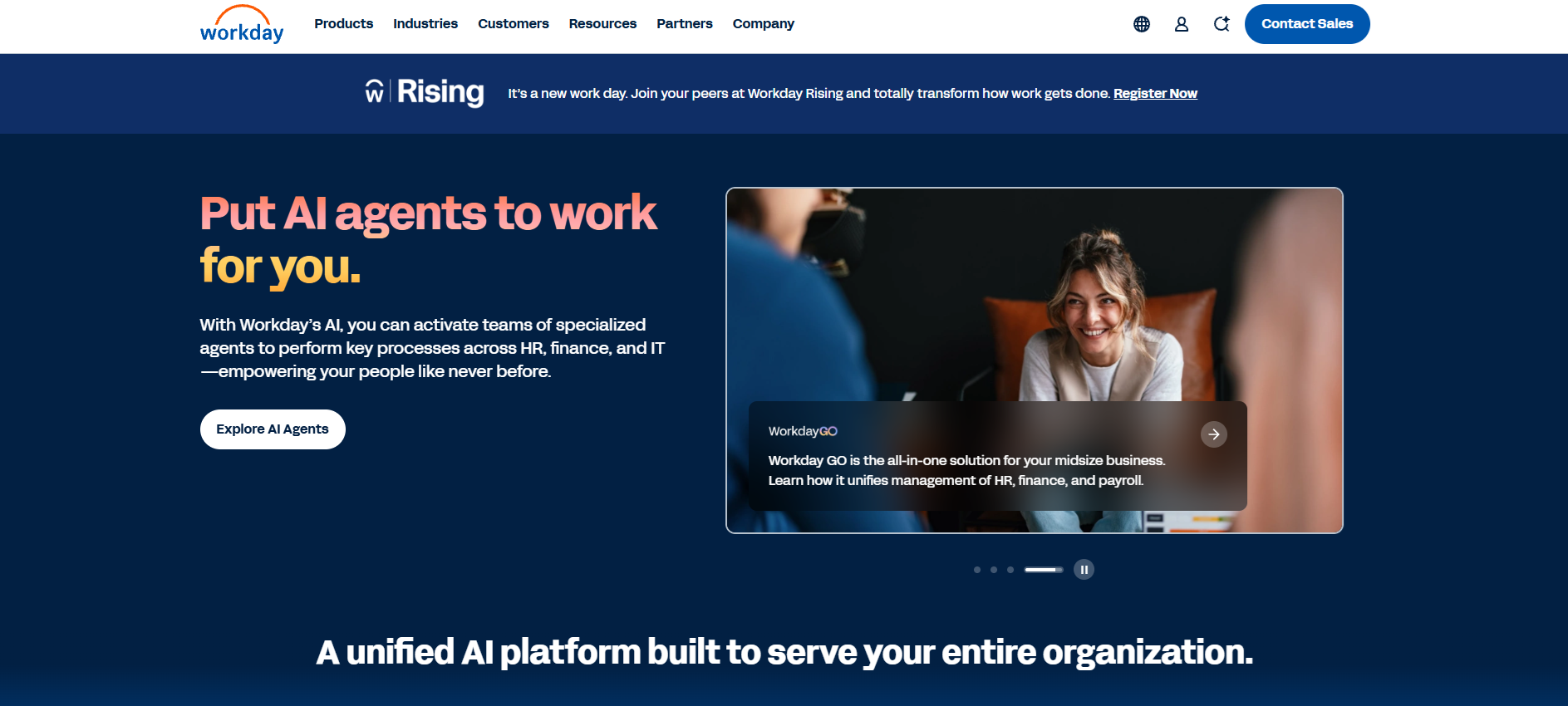
Ashby specializes in getting someone hired, while Workday manages much of what happens after the hire at an organizational level. This can be everything from planning headcount and maintaining employee records to payroll, benefits, workforce management, and employee development.
Ashby and Workday bridge recruiting and the wider HR function. For example, HR can manage approved roles and headcount in Workday, which then flow into Ashby for recruiters to fill. Once a candidate is hired, their details flow back into Workday, creating a connected process from workforce planning to recruitment and employee management.
Pros
- ✓ Connects recruiting with wider HR, payroll, and workforce processes.
- ✓ Data can flow back and forth between platforms.
- ✓ Organizations can choose which data they want to sync rather than transferring everything.
- ✓ Configuration and ongoing management can be handled directly within Ashby without requiring an external Workday consultant.
Cons
- − The integration is only available with Ashby's Enterprise plan.
- − Long setup time (8–12 weeks).
- − Less suited to SMBs, better for large organizations.
- − Workday doesn't publish pricing.
Integration with Ashby
Workday has a native, bi-directional API integration with Ashby, available to Ashby Enterprise customers. Organizations can configure the integration around how they manage headcount. Ashby supports custom and calculated Workday fields and lets admins configure exactly what information moves between the two systems. Synced Workday fields can also be used within Ashby's reporting. Most implementations take around 8-12 weeks. The integration is configured and managed directly within Ashby.
Pricing
Workday does not publish standard pricing for its HCM platform. Pricing is customized according to the organization's requirements, so businesses need to contact Workday for a quote. The integration also requires Ashby Enterprise, Ashby's custom-priced plan designed for organizations with 1,000+ employees.
How to Pick the Right Ashby Integrations
Building your Ashby ATS integrations stack isn’t about connecting as many tools as possible. The best integrations fill genuine gaps, remove bottlenecks, or connect Ashby with programs your team already relies on.
There are 3 things to consider when choosing the best integrations for Ashby:
1. What Does Ashby Already Do Well?
First, consider where Ashby already provides functionality that you need. As an all-in-one recruiting platform, Ashby covers a considerable portion of the hiring process compared to a regular ATS.
Its capabilities include:
- Interview scheduling
- Candidate sourcing and outreach
- Recruiting CRM
- Candidate communication
- Recruiting analytics
- Offers and e-signatures
Although other platforms like LinkedIn Recruiter and Docusign can be integrated with Ashby, does it really make sense to duplicate this functionality when sourcing and e-signatures are already something Ashby can do well?
2. What Integrations Can Add More?
An SHRM report found that 68% of recruiters are frustrated with their ATS. But adding integrations with specialized capabilities outside of your ATS's (in this case, Ashby's) core functionality can ease some of that frustration by taking the platform beyond its basic capabilities.
These include:
- Candidate evaluation: Gain deeper insight into candidates and gather more data about candidates to determine which applicants should be prioritized.
- Background and reference checks: Add specialist verification processes once candidates reach the later stages of hiring.
- HRIS/HCM: Connect recruiting with wider HR processes, allowing information to move between hiring, workforce planning, and employee management.
- Recruiting collaboration: Bring hiring activity into the communication tools your wider team already uses, making it easier for recruiters, hiring managers, and interviewers to stay involved.
It’s not about what Ashby lacks, but about identifying where a specialized platform can extend what your ATS already does.
How Will the Integration Improve Your Workflow?
All the Ashby integrations in our list connect easily with Ashby, but that isn’t the only reason you should choose them. Analyze gaps in your hiring process, identify bottlenecks, and consider where recruiters are losing the most time. Prioritize integrations that directly address that problem.
- Is manually reviewing resumes taking too much time?
- Are existing candidates with strong potential getting left behind?
- Do you need more evidence to better understand the candidate's skills?
- Are hiring conversations scattered across different platforms?
- Is managing background checks outside your typical workflow a hassle?
- Is duplicating candidate data into HR processes becoming a headache?
These problems can all be addressed with the right integrations.
Likewise, integrations that are already part of your hiring workflow and offer the bonus of connecting with Ashby can make your ATS more manageable and streamlined.
Build a Smarter Ashby Tech Stack
Ashby already has many recruiting processes covered, so adding more software doesn't automatically equal a better workflow. The best Ashby tech stack isn't the one with the most integrations; it's the one where every integration solves a problem Ashby isn't already solving for you.
That could mean adding Slack for collaboration, Checkr and Xref for candidate verification, or Workday to connect recruiting with wider HR processes.
And if the missing piece is deeper candidate evaluation, Hire-Match adds an intelligence layer to assess, compare, and shortlist candidates, while Ashby remains at the center of your recruiting workflow.
Ready to get more from your ATS? Book a Hire-Match demo to see how deeper candidate intelligence can fit into your Ashby workflow.
FAQs
It depends on the specific integration. Some Ashby integrations can be connected almost immediately or within 24 hours, while more complex implementations can take several weeks. For example, Ashby says its Workday integration typically takes around 8–12 weeks to implement.
Ashby HRIS integrations connect recruiting data with wider HR and employee management systems. Ashby's integration marketplace includes HRIS/HCM platforms such as Workday, allowing information to move between recruiting and post-hire HR workflows.
Ashby ATS integrations connect Ashby with other recruiting and HR software to extend its existing functionality. Depending on the integration, you can add capabilities such as background checks, reference checks, HRIS connectivity, team collaboration, sourcing, and other specialized workflows.
Ashby Workday integrations connect talent acquisition in Ashby with wider HR and workforce management in Workday. The bi-directional integration can bring Positions and Job Requisitions from Workday into Ashby and send new-hire and offer information back to Workday once a candidate is hired.
An Ashby API key is a credential that allows authorized software to access specific Ashby data and functionality through its API. API keys can be used when setting up certain integrations, with permissions determining what information the connected application can access.
The Ashby Knowledge Base is Ashby's official library of help documentation. It includes guidance on using Ashby, configuring features, setting up integrations, troubleshooting problems, and managing your account. It's a useful first place to check when you need technical or setup information about a particular Ashby integration.
Our recruitment solutions
Resume screening software
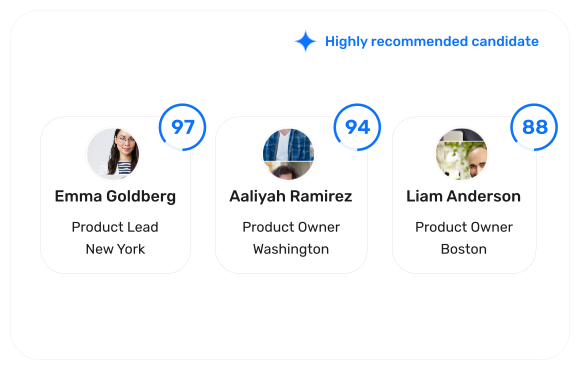
Turn a pile of resumes into a ranked shortlist, backed by clear hiring evidence.
Interview software
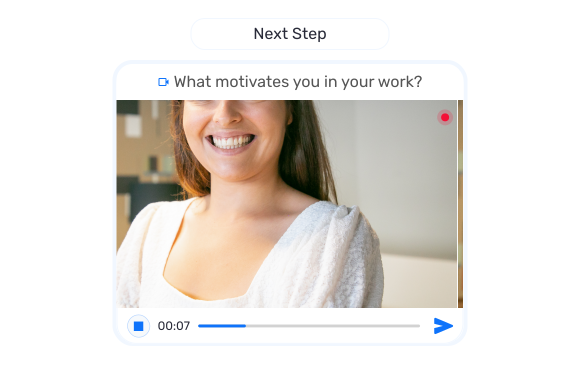
Screen candidates with structured video, audio, and conversational interviews.
AI recruiter
Ask Clara, your recruiting assistant, anything about any candidate in your hiring pipeline.
Candidate assessments
Validate cognitive ability, behavioural fit, and job-specific skills.