ATS Integrations: A Guide for Recruiters
August 2026 / 11 min read / Written by our editorial team
Most recruiters know their applicant tracking system like the back of their hand. But what happens when you need more than what your current ATS can provide?
Switching to a new ATS every time your tech needs a new feature isn't ideal. Luckily, recruitment technology continues to evolve, and you can now build on the system you already know and love.
By connecting specialized ATS integrations, you can upgrade your hiring workflow while keeping everything connected.
In this guide, we'll explore how applicant tracking system integrations work, where they can make the biggest difference, common challenges, how to solve them, and what ATS integrations we recommend.
Key Takeaways
- Connect with intelligent recruiting and HR tools.
- Automate manual tasks and reduce recruiter admin.
- Move candidates along the hiring funnel faster.
- Tools like Hire-Match, LinkedIn Recruiter, and BambooHR can upgrade different processes.
- Check compatibility, APIs, support, and compliance before integration.
What are ATS Integrations?
Applicant tracking system integrations are specialized tools that connect to your ATS, allowing candidate information, hiring data, and recruitment workflows to flow automatically between the two systems.
This means you can use third-party software for...
- Sourcing
- Candidate screening
- Assessments
- Interviews
- Scheduling
- Background checks
- Onboarding
...without replacing your ATS.
Your ATS can remain your central recruiting hub, while connected tools extend what it can actually do.
What's the difference between an ATS and ATS integrations?
An ATS is the software you use to organize and manage your recruitment process. An ATS integration is the connection between that system and another tool, enabling the platforms to share information.
By connecting your recruitment tools, you can access more advanced capabilities while keeping candidate data centralized, making it easier to source talent, build shortlists, and analyze hiring metrics.
What Can You Integrate With an ATS?
ATS integrations can connect almost every stage of the hiring process, from finding candidates to onboarding new employees.
Here are some of the most useful ATS integrations for recruiting teams:
Candidate Sourcing
Connect your ATS with job boards, sourcing platforms, and talent databases.
- Import sourced candidates directly into your ATS.
- Post jobs across external platforms.
- Track where candidates came from.
- Detect duplicate candidate profiles.
- Add prospects to relevant talent pools.
Examples: LinkedIn Recruiter, Indeed, and Eightfold AI.
Resume Screening
Screening integrations add more advanced candidate evaluation to your existing ATS. AI resume screening software can identify candidates with the highest potential in minutes.
- Automatically screen incoming applications.
- Match candidates against job requirements.
- Rank or shortlist the most promising applicants.
- Keep screening results attached to candidate records.
Examples: Hire-Match, HireEZ, and SeekOut.
Candidate Assessments
Integrating pre-employment assessment software measures job-relevant skills, abilities, and personality traits as part of the candidate process.
- Automatically send assessments at a specific hiring stage.
- Assign different tests based on the role.
- Return scores and reports to candidate profiles.
- Track assessment completion without switching platforms.
Examples: Hire-Match, Harver, and TestGorilla.
AI and Video Interviews
Connect AI, video, or asynchronous interviewing software to assess communication skills and speed up early-stage candidate screening.
- Automatically invite candidates to interviews.
- Track interview completion.
- Return recordings, transcripts, scores, or insights.
- Keep interview data alongside other candidate information.
Examples: Hire-Match, HireVue, and Willo.
Interview Scheduling
Connecting your ATS with calendars and meeting tools can reduce the back-and-forth involved in arranging interviews.
- Check interviewer availability.
- Let candidates select available time slots.
- Automatically create calendar events and meeting links.
- Send confirmations and reminders.
- Update interview details when schedules change.
Examples: Google Calendar, Microsoft Teams, Zoom, and Google Meet.
Candidate Communication
Connect email and messaging tools to:
- Trigger messages when candidates change stages.
- Send interview or assessment instructions.
- Automate confirmations, reminders, and updates.
- Keep communication connected to candidate records.
Examples: Gmail, Outlook, Microsoft Teams, Slack, or WhatsApp.
Background and Reference Checks
Integrations with specialist providers can simplify later-stage candidate verification.
- Trigger checks directly from your recruitment workflow.
- Automatically request candidate references.
- Track outstanding and completed checks.
- Return statuses or reports to your ATS where supported.
Examples: Checkr, HireRight, and Sterling.
Offer Management and E-Signatures
Connecting e-signature platforms can help automate the move from final selection to accepted offer.
- Generate and send offer documents.
- Collect electronic signatures.
- Track whether offers have been signed.
- Store completed documentation.
- Trigger the next workflow once an offer is accepted.
Examples: DocuSign and Adobe Acrobat Sign.
Onboarding, HRIS, and Payroll
Connecting your ATS with HR and onboarding platforms can create a smoother handoff once someone is hired.
- Transfer successful candidates into onboarding.
- Create new employee records.
- Pass existing candidate information to HR.
- Reduce duplicate data entry between recruitment and HR.
Examples: BambooHR and Workday.
Recruiting Analytics and Reporting
Analytics integrations can bring recruitment data into reporting and business intelligence tools, helping teams:
- Track performance across the recruitment funnel.
- Compare candidate sources.
- Monitor conversion rates and time spent at each stage.
- Reduce fragmented reporting across multiple platforms.
Examples: Gem and HireEZ.
Why Are ATS Integrations Important?
Your ATS doesn't have to do everything. Recruiting technology is a team sport, and your ATS doesn't have to play every position.
So, why should you consider an applicant tracking system in your tech stack?
Reduce Manual Data Entry
Without integrations, recruiters may have to repeatedly enter, copy, or upload the same candidate information across different platforms.
Connecting these systems can:
- Automatically transfer candidate information between tools.
- Reduce repetitive administrative work.
- Lower the risk of errors caused by manual data entry.
- Keep candidate records more accurate and up to date.
Scale Your Recruitment Technology
ATS integrations allow your recruitment technology to grow with your organization rather than requiring you to replace your entire system whenever you need a new capability.
As your needs change, you can add specialist sourcing, screening, interview, assessment, onboarding, or analytics tools around your existing ATS.
Reduce Time-to-Hire
When recruiting tools work separately, every handoff can introduce another delay. Recruiters may need to manually review applications, arrange interviews, send reminders, transfer candidate details, or wait for results from another platform.
Integrations keep candidates moving by adding automated functions within the same system to trigger the next stage for the candidate.
When these connections extend from application through to onboarding, recruiters can create a much faster and more seamless hiring workflow.
Keep Candidate Data Synchronized
When recruitment tools are integrated, updates made in one system can be reflected elsewhere, depending on the integration.
This gives recruiters more consistent candidate records and reduces the chance that different platforms contain conflicting or outdated information.
Centralized data can also make recruitment analytics more useful, helping teams compare candidates, identify bottlenecks, and make decisions based on consistent hiring data.
Improve the Candidate Experience
Two things that really matter to candidates: Speed and communication.
Research reported by SHRM found that poor communication, a lack of feedback, and a hiring process taking too long were among the top three reasons candidates withdrew from recruitment processes.
ATS integrations can help create a smoother experience through faster responses, automated interviews and assessments, easier scheduling, and more consistent communication overall.
Improve the Recruiter Experience
ATS integrations aren't just a win for candidates. Recruiters spend too much time on repetitive tasks that can be easily automated.
Connecting recruitment tools with your ATS means less time copying information between platforms and switching between disconnected systems. Recruiters can use ATS integrations to handle more of the administrative workload and focus on the parts of hiring that matter most.
5 Examples of Useful ATS Integrations
Below are five examples showing how an ATS integration can strengthen different stages of the hiring process.
Hire-Match: Best for Candidate Screening and Hiring Intelligence
Hire-Match can work as a standalone hiring platform or as an intelligence layer alongside your existing ATS, making it useful for teams that want to add more advanced candidate evaluation without replacing their current system.
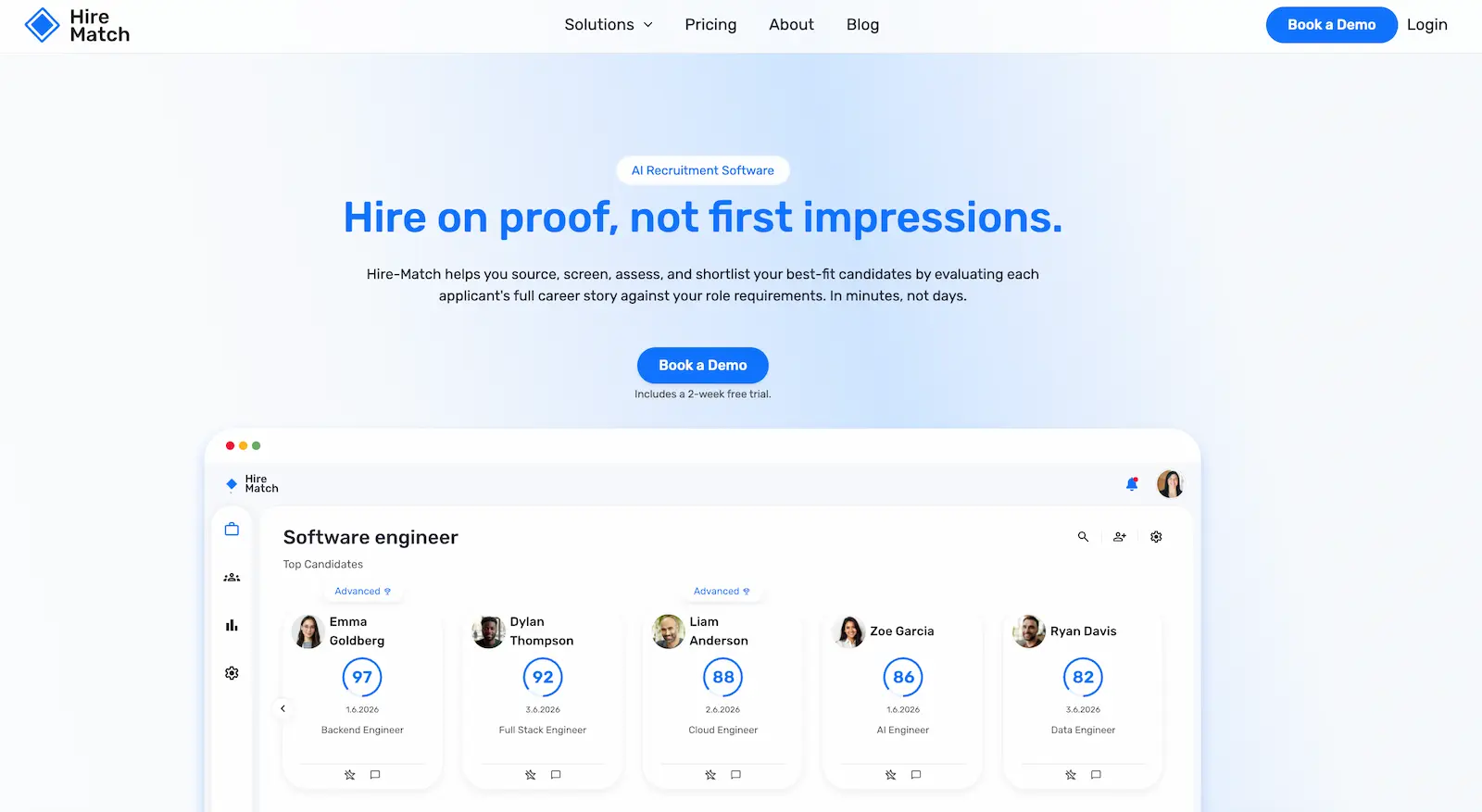
Its hiring workflow combines:
- AI-powered resume screening
- AI interviews
- Broad pre-employment assessment library
- Predictive Success Model
- Candidate ranking and shortlists
- Recruitment automation and AI-powered hiring insights
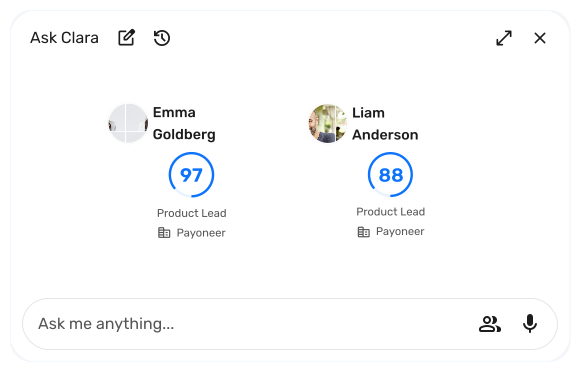
- AI Recruiter assistant (Clara)
This means recruiters can continue managing candidates through their existing ATS while using Hire-Match to provide deeper insights into which applicants are the strongest fit and make decisions based on explainable, consistent, and bias-free data.
Hire-Match is compatible with many popular ATS platforms, including Greenhouse, Lever, Ashby, and iCIMS.
LinkedIn Recruiter: Best for Candidate Sourcing
LinkedIn Recruiter integrations can help you source candidates outbound for open job roles within your existing workflow.
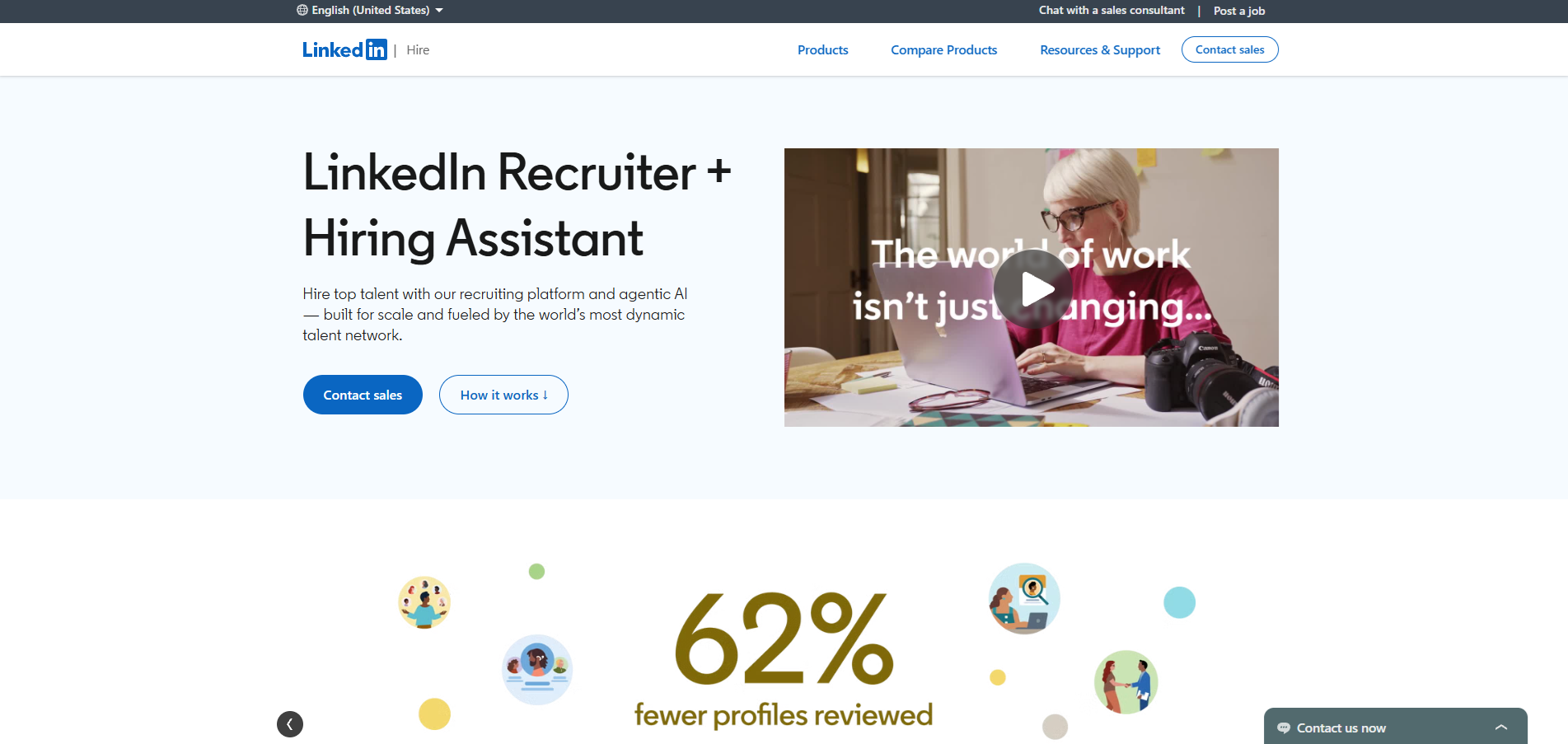
Recruiters can use LinkedIn's network of more than one billion members, advanced search filters, recommended matches, AI-assisted search, and messaging tools to discover and engage potential candidates.
Connecting LinkedIn Recruiter with an ATS can make it easier to:
- Move sourced candidates into existing workflows.
- Access ATS information while sourcing.
- Reduce duplicate candidate records.
- Keep sourcing activity connected to candidate profiles.
LinkedIn Recruiter supports integrations with recruitment platforms including Workable, Lever, Greenhouse, Zoho Recruit, and SmartRecruiters.
HireVue: Best for Video Interviewing
HireVue combines science-backed assessments and AI-powered interviewing tools, adding specialist screening capabilities to your existing ATS.
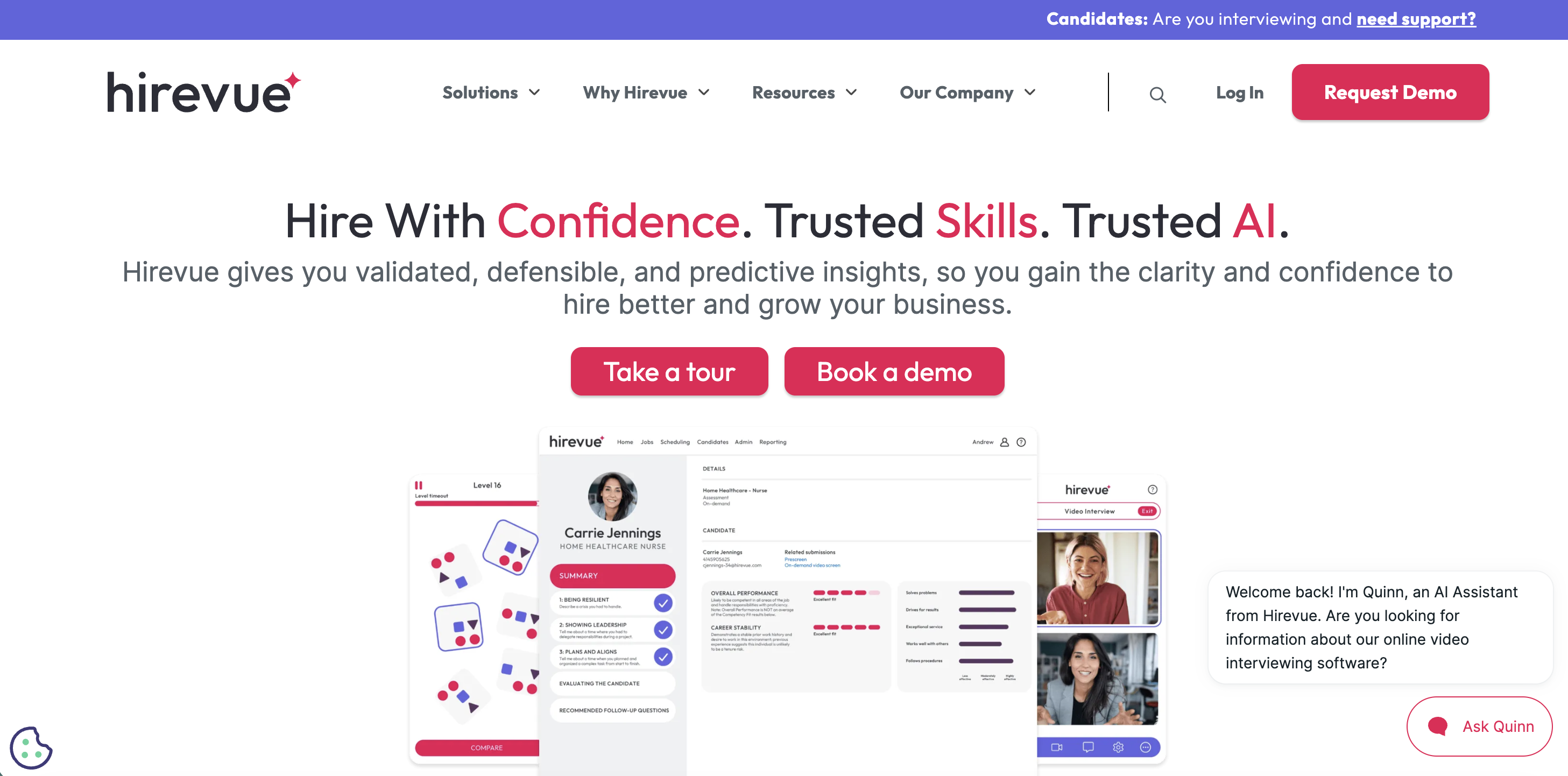
Key capabilities include:
- On-demand and live video interviews.
- AI Interviewer.
- Virtual Job Tryout assessments.
- Structured interview tools.
- Interview scheduling.
HireVue offers 125+ integrations, including connections with major recruiting systems such as Workday, Oracle, SmartRecruiters, Greenhouse, Oleeo, PageUp, and iCIMS.
Looking specifically for interviewing software? See our guide to the best video interview platforms for a more detailed comparison.
Checkr: Best for Background Checks
Checkr shows how ATS integrations can simplify a later but necessary stage of the recruitment journey.
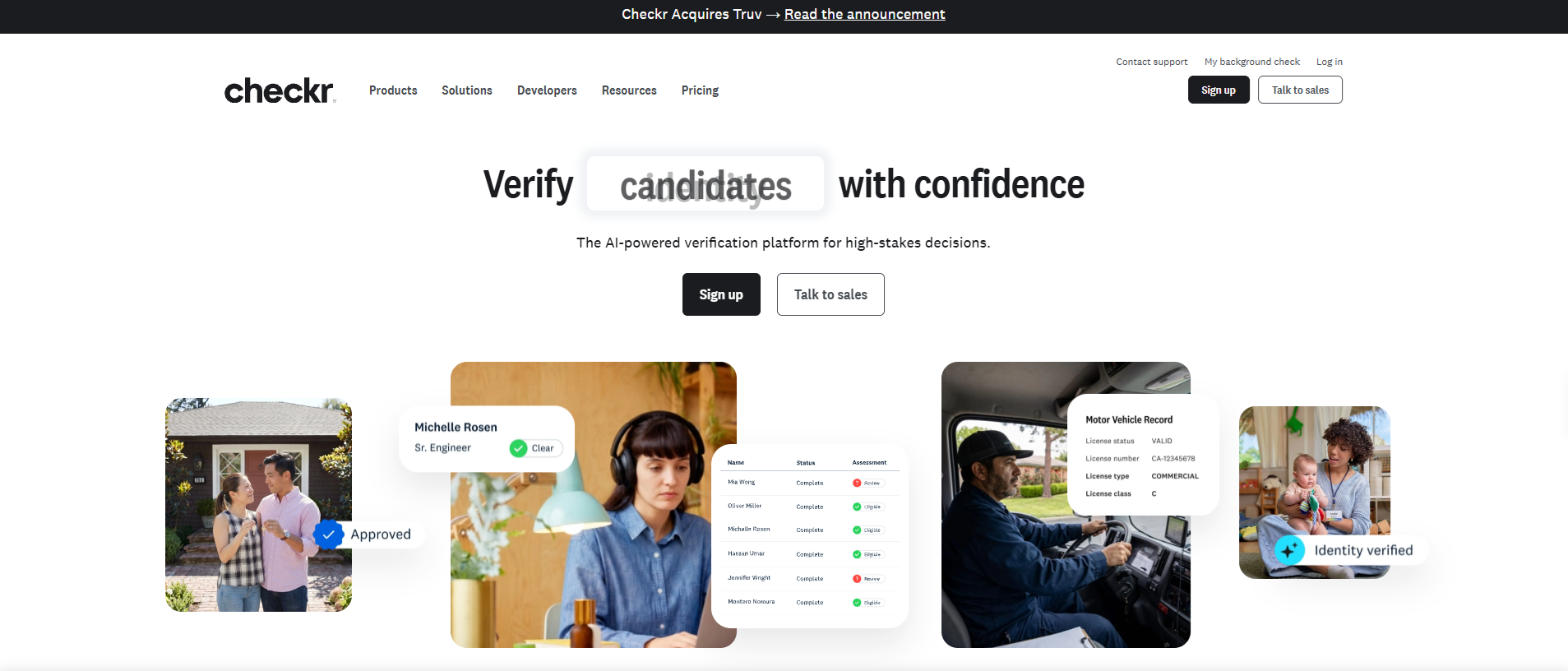
Recruiters can use Checkr for checks including:
- Criminal records.
- Employment verification.
- Education verification.
- Motor vehicle records.
- Drug testing.
- International background checks.
Connecting Checkr with an ATS allows recruiters to initiate and track relevant checks within their existing hiring workflow rather than having to manually copy candidate information into a separate system.
Checkr integrates with recruiting and HR platforms including Workday, iCIMS, Greenhouse, Bullhorn, Oracle, Rippling, and UKG.
BambooHR: Best for HRIS and Onboarding
While many integrations focus on getting candidates to the point of hire, BambooHR shows how ATS integrations can connect recruitment with what happens next.
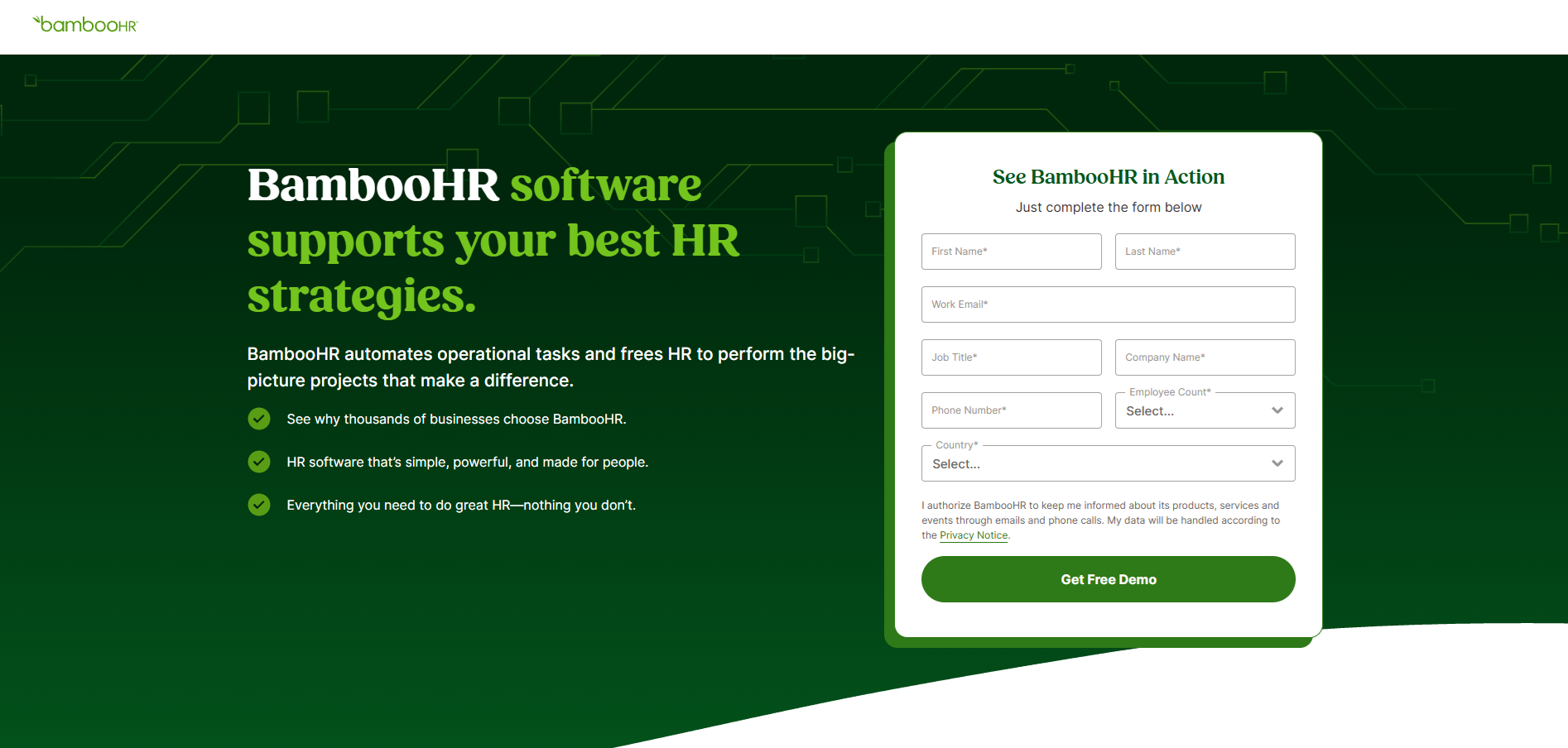
Key capabilities include:
- New-hire onboarding and onboarding tasks.
- Automated HR workflows.
- Employee data management.
- Pre-built reports.
- HR analytics and reporting.
Connecting recruitment and HR systems can help successful candidates move from applicant to employee without HR teams having to duplicate information.
BambooHR's integration marketplace includes platforms such as Indeed, Slack, Okta, Greenhouse, Checkr, Lattice, and Deputy.
ATS Integrations at a Glance
Our quick summary table unpacks our top ATS integrations and what value they can add to your recruitment process.
You can keep your existing ATS at the center of your recruitment process and connect ATS integrations where your team needs specialized tools.
The problem: Different recruiting platforms may store candidate information in different formats or use different fields, creating incomplete records, duplicates, or conflicts when data moves between systems.
The solution:
- Audit and clean the data you need to transfer before integration.
- Remove duplicates and correct incomplete or outdated records.
- Check that candidate data transfers correctly between both systems.
- Test the integration with a small amount of data before a full migration.
Preparing your data can take extra time upfront, but it's much easier than fixing thousands of inconsistent candidate records later.
ATS Integration Challenges and How to Fix Them
ATS integrations can enhance your overall workflow, but they’re not always plug-and-play.
Assessing the most common ATS integration challenges beforehand can help to avoid disruption and get a few steps ahead of your recruitment stack.
Data Migration and Compatibility Issues
The problem: Different recruiting platforms may store candidate information in different formats or use different fields, creating incomplete records, duplicates, or conflicts when data moves between systems.
The solution:
- Audit and clean your existing candidate data before integration.
- Remove duplicates and correct incomplete or outdated records.
- Map important data fields between the two systems.
- Test the integration with a small amount of data before a full migration.
Preparing your data can take extra time upfront, but it's much easier than fixing thousands of inconsistent candidate records later.
Limited or Incompatible APIs
The problem: Not every recruiting or HR platform offers the same level of API access. A limited or incompatible API can restrict what information your tools can exchange or prevent certain workflows from being connected at all.
The solution:
- Check integration compatibility before purchasing new software.
- Ask exactly what data can move between the platforms and whether the connection is one-way or two-way.
- Look for platforms with flexible APIs and established ATS integrations.
- Consider middleware or a trusted integration partner when a direct connection isn't available.
A platform claiming they integrate with your ATS isn't good enough. Find out exactly what the integration allows you to do.
Lack of Support and Training
The problem: Slow technical support or poor training can turn what should be a straightforward ATS integration into a lengthy and frustrating project.
The solution:
- Ask what implementation and ongoing technical support are included.
- Check whether training is available for recruiters and hiring managers.
- Review customer feedback for recurring complaints or praise about support.
- Make sure documentation is current and easy to access.
- Train all team members who will be using the tool.
The quality of a provider's support can be just as important as the integration itself, particularly if your team doesn't have dedicated technical resources or in-house training.
Don't choose an ATS integration simply because it adds more functionality. Start with a genuine hiring problem or bottleneck, then evaluate whether the integration solves it without adding unnecessary complexity.
Over-Customization
The problem: It's tempting to connect and automate everything at once. However, introducing too many specialized tools simultaneously can make the recruitment process you are trying to simplify more complicated.
The solution:
- Start with one integration at the top of your wishlist, such as candidate screening, scheduling, or background checks.
- Test the complete workflow and resolve any issues.
- Give your team time to become comfortable with the new process.
- Add further integrations gradually as your needs develop.
A successful recruitment tech stack doesn't need the most integrations; it needs the right integrations working together effectively.
Security and Compliance Risks
The problem: Every additional integration can involve candidate data moving between systems, potentially increasing your organization's security and privacy considerations.
The solution:
- Understand what candidate data each integration accesses and shares.
- Review vendors' security practices and relevant privacy requirements, including GDPR where applicable.
- Look for recognized security standards and certifications, such as SOC 2 and ISO 27001, where relevant.
- Control user permissions and access to sensitive candidate information.
- Regularly audit integrations and vendor compliance as you update your tech.
Ultimately, don't assume an ATS integration is compliant. You should always check the platform's website for transparency on security and compliance.
How to Choose the Right ATS Integrations
An integration may be compatible with your ATS, but platforms provide different levels of functionality. Make sure you understand exactly how the integration works before implementing any new tools into your system.
Are ATS Integrations Worth It?
Your ATS doesn't need to include every feature under the sun. ATS integrations let you build a recruitment tech stack around the system you already use, adding specialized tools where they'll have the biggest impact.
For the recruiter, this means less manual work, fewer bottlenecks, and a faster, more connected hiring process.
For teams looking to add intelligent AI to their current tech stack, Hire-Match integrates AI-powered screening, interviews, assessments, and candidate ranking alongside your existing ATS or works as a standalone platform.
FAQs
There are 3 main ways recruiting software can connect with an ATS:
- Native integrations: Pre-built connections between two platforms that are typically quick to set up and require little or no development work.
- API integrations: Connections that use an application programming interface (API) to allow different systems to exchange data and trigger actions. These can offer greater flexibility but may require technical resources.
- Third-party integration platforms: Middleware that connects systems without a direct integration, allowing organizations to build workflows between their ATS and other recruiting or HR software.
The best ATS integrations depend on your specific hiring needs and which applicant tracking system you're trying to connect to new software. There are integrations that support sourcing, resume screening, assessments, interviews, and automation.
We have detailed reviews on more specific ATS integrations, including:
Hire-Match is our top choice, offering broad candidate evaluation and is connected by the team through secure APIs and webhook mapping.
There isn't one ATS with the best job board integrations for every organization. Popular platforms such as Workable, Greenhouse, SmartRecruiters, and Zoho Recruit offer integrations with numerous job boards, but the right choice depends on where you recruit, which job boards you use, and the functionality each integration supports.
Check whether your most important job boards are supported and whether you can post jobs, receive applications, track candidate sources, and manage applicants without unnecessary manual work.
ATS stands for Applicant Tracking System. It works as a hiring hub used by recruiters and HR teams to organize and manage candidates throughout the recruitment process, from receiving applications and tracking candidate progress to interviews, offers, and hiring.
First, check whether your ATS or HR software offers a native integration with the other platform. These can often be found in the provider's integration marketplace or directory.
If a native connection isn't available, the platforms may be connected through an API or a third-party integration platform.
You should:
- Establish what information needs to move between the systems.
- Whether the data flow is one-way or two-way.
- What technical resources are required.
No. Applicant tracking system integrations allow you to add new recruiting technology without replacing your ATS.
Security depends on the ATS integration's compliance and how it handles candidate data.
Before connecting a new platform, check what data it can access, how information is transferred and stored, and who has permission to access it.
Organizations should also assess relevant data privacy requirements, such as GDPR, and look for appropriate security standards and certifications, such as SOC 2 or ISO 27001, where relevant.
An ATS API (Application Programming Interface) allows an applicant tracking system to communicate and exchange information with other software.
For example, an API could allow candidate information stored in your ATS to be sent to an assessment platform and the completed assessment results to be returned to the candidate's ATS profile. In simple terms, the API provides a way for your ATS and other recruiting tools to communicate without recruiters manually transferring the information themselves.
Think of your ATS and software tool like telephones, and the API as the phone line, providing the connection to communicate.
All our recruitment solutions
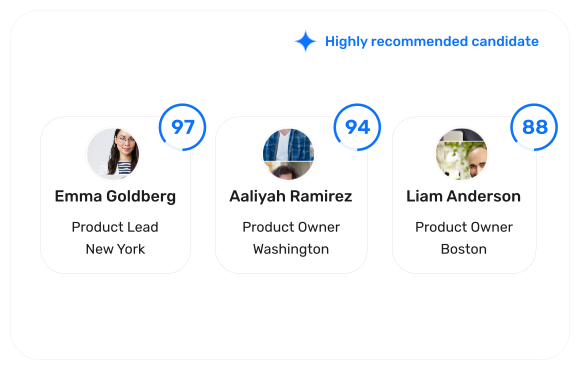
Resume screening software
Turn a pile of resumes into a ranked shortlist, backed by clear hiring evidence.
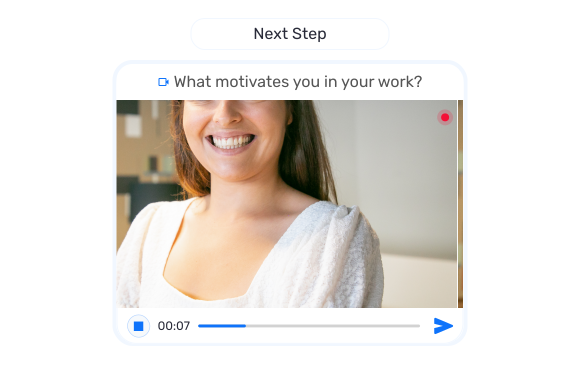
Interview software
Screen candidates with structured video, audio, and conversational interviews.
AI recruiter
Ask Clara, your recruiting assistant, anything about any candidate in your hiring pipeline.
Candidate assessments
Validate cognitive ability, behavioural fit, and job-specific skills.