The Best Recruitment Automation Tools for 2026
August 2026 / 21 min read / Written by our editorial team
Between sourcing candidates, reviewing resumes, scheduling interviews, and sending email updates, repetitive admin can quickly take time away from the work that actually needs human expertise. But what if you could click your fingers and have those tasks magically complete themselves?
That's exactly what recruitment automation tools do. The best platforms automate repetitive hiring workflows behind the scenes, helping candidates move through the recruitment process faster while giving recruiters more time to focus on more important tasks.
In this guide, we've researched and compared the best AI recruitment automation tools for 2026. Whether you want to automate a few frustrating to-dos or transform your entire hiring workflow, these are the recruitment automation tools worth considering.
Our Top Picks
- Hire-Match: Best for intelligent screening automation.
- Zoho Recruit: Best for customizable workflow automation.
- Paradox: Best for conversational hiring automation.
- Juicebox: Best for sourcing and outreach automation.
- Greenhouse: Best for structured hiring automation.
- Fountain: Best for high-volume frontline automation.
- Lever: Best for ATS and CRM automation.
- Gem: Best for automated sourcing and talent rediscovery.
- Workable: Best for automated candidate screening and engagement.
- Teamtailor: Best for candidate experience automation.
Find out more about each recruitment automation platform in our detailed review section.
How We Chose the Leading Recruitment Automation Tools
We focused our research on platforms with extensive automation capabilities, flexible ATS integration, strong security and compliance standards, and features that address common recruiter bottlenecks.
- Automation capabilities: We prioritized platforms that automate meaningful recruitment tasks, including job posting and sourcing, candidate communications and email sequences, interview scheduling, application routing, status updates, background checks, offer management, and recruiter reminders.
- Workflow coverage: We considered how much of the recruitment process each platform can automate, including ATS workflows, CRM activity, approvals, candidate progression, sourcing, and onboarding.
- Recruiter efficiency: Automation should remove repetitive administrative work rather than simply add more software to manage. We looked for features that reduce manual steps, prevent bottlenecks, and keep hiring processes moving.
- Candidate experience: We considered automation that benefits candidates too, including faster communication, self-scheduling, mobile applications, personalized updates, and streamlined application processes.
- Security and responsible hiring: Where relevant, we considered safeguards such as fraud detection, candidate anonymity, audit trails, access controls, and compliance with standards and regulations such as GDPR, ISO 2700, and SOC 2.
- Different recruiter needs: Rather than choosing ten similar platforms, we selected tools with distinct strengths that address different hiring challenges, workflows, and company sizes.
Disclosure: Although Hire-Match is included in this comparison, every platform was evaluated against the same criteria to ensure a consistent and transparent review process.
The Best Automation Tools for Recruitment Compared
For a quick overview, the table below compares the leading recruitment automation tools by their standout capabilities, ideal users, ATS compatibility, pricing, and free trial availability.
The best recruitment automation tool depends on the issue you’re trying to solve. We’ll unpack each platform in more detail below.
The Top Recruitment Automation Tools for 2026
Our reviews of the top recruitment automation tools explore how each platform automates hiring workflows, where it stands out, and which recruiting teams it suits best.
1. Hire-Match
Best for: Organizations that want to automate recruitment while improving candidate evaluation and hiring decisions.
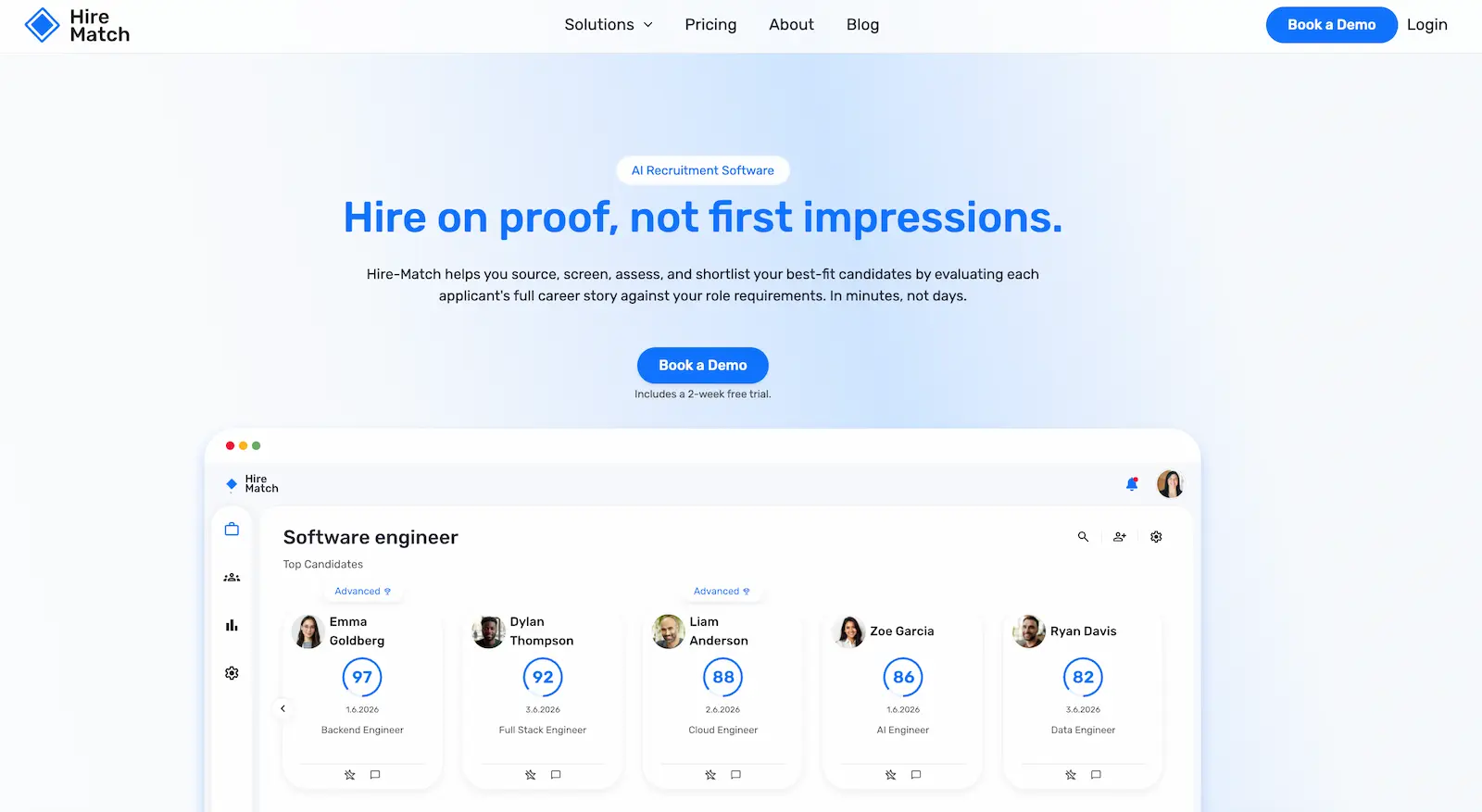
Key features
- Clara: AI recruiting assistant.
- AI sourcing: Automated talent discovery.
- Resume screening: 100+ career intelligence signals.
- Candidate ranking: Explainable ranked shortlists.
- AI interviews: Video, audio, and conversational.
- Candidate assessments: Skills, cognitive, and behavioral.
- Talent rediscovery: Automated database sourcing.
- Candidate engagement: AI-powered conversations.
- Custom pipelines: Configurable hiring workflows.
- Job descriptions: AI-assisted role setup.
Why Hire-Match earned our top spot
Hire-Match earns our top spot because it combines recruitment automation with deeper candidate intelligence. While many automation platforms focus primarily on moving candidates through existing workflows faster, Hire-Match also uses each stage to gather evidence about who is most likely to succeed in the role.
For example, Clara, Hire-Match's AI recruiter, can source candidates from your ATS or talent pool, automatically screen every application, and analyze more than 100 career intelligence signals, including progression, responsibilities, achievements, and career trajectory. Candidates can then move into structured video, audio, or conversational interviews along with optional role-relevant assessments, with each new interaction adding evidence to their overall evaluation.
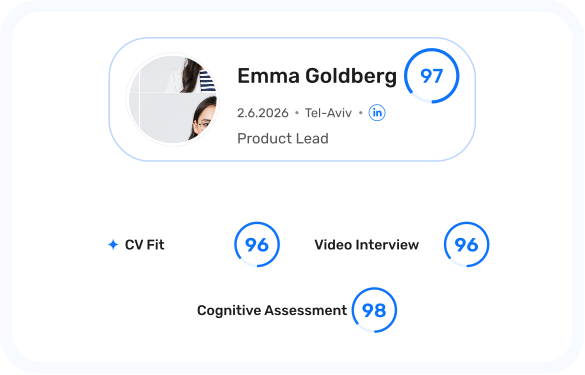
Instead of leaving recruiters with a faster pipeline but the same manual decisions at the end, Hire-Match brings that evidence together into an explainable ranked shortlist. Recruiters can ask Clara why someone scored highly, compare candidates' side by side, investigate potential concerns, or determine what to assess next. This makes the automation useful not only for reducing repetitive work, but also for helping recruiters make more informed decisions about who should move forward.
Pros
- ✓ Combines automation with deeper career intelligence.
- ✓ Screens every application automatically.
- ✓ Explainable candidate rankings and recommendations.
- ✓ Integrated interviews and assessments.
- ✓ Automated talent pool rediscovery.
- ✓ Fully configurable hiring pipelines.
- ✓ Unlimited recruiter seats.
- ✓ Flexible ATS integrations.
Cons
- − The focus is on deeper AI capabilities, which may not suit those only seeking automation.
- − Newer platform than established ATS providers.
ATS integrations
Hire-Match can run as a standalone hiring platform or intelligence layer on top of an existing ATS. Teams can keep their current ATS while adding Hire-Match's AI screening, interviews, assessments, candidate ranking, and career intelligence to their existing workflow.
Pricing
Hire-Match includes the full platform in every plan, with pricing based on the number of active job openings rather than recruiter seats or applicant volume. Plans can scale up or down with hiring demand, while talent assessments are available as an optional add-on, and large organizations can request enterprise pricing.
2. Zoho Recruit
Best for: Organizations that want highly customizable, rule-based recruitment workflows.
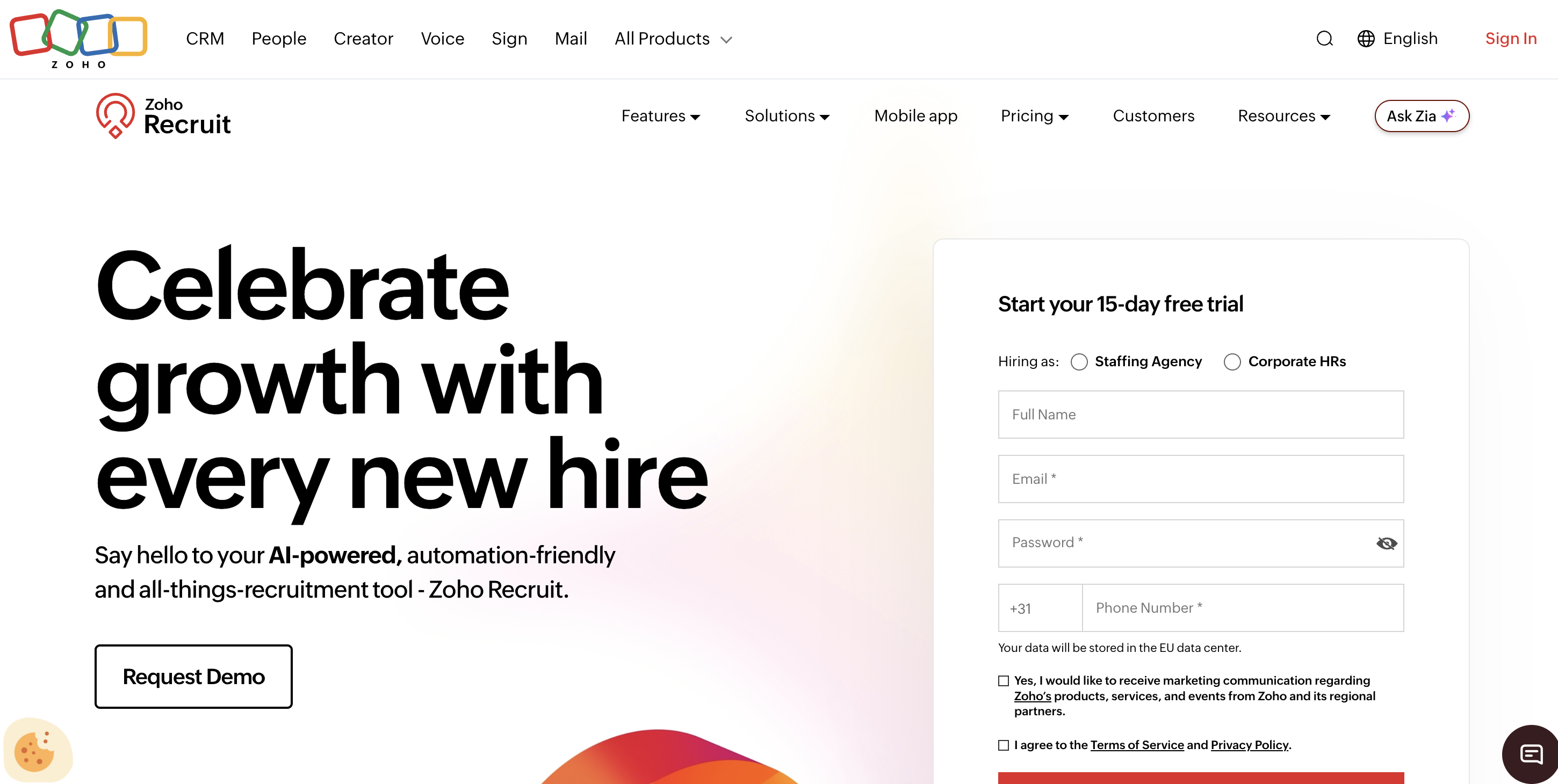
Key features
- Blueprint: Custom hiring workflows.
- Workflow Rules: Trigger-based recruitment automation.
- Zia AI: Candidate matching and insights.
- AI Assist: Recruitment content generation.
- Smart Resume Inbox: Automated resume parsing.
- Pre-screening: Automated candidate scoring.
- Interview scheduling: Automated booking and reminders.
- Candidate communications: Email, SMS, and WhatsApp.
- Offer management: E-signatures and automated reminders.
- Job posting: 70+ integrated job boards.
Why we chose Zoho Recruit
Zoho Recruit earns 2nd place on our list for the breadth and flexibility of its recruitment automation. Blueprint lets teams map out exactly how candidates should progress through each hiring stage, while Workflow Rules automatically trigger actions based on predefined conditions or events.
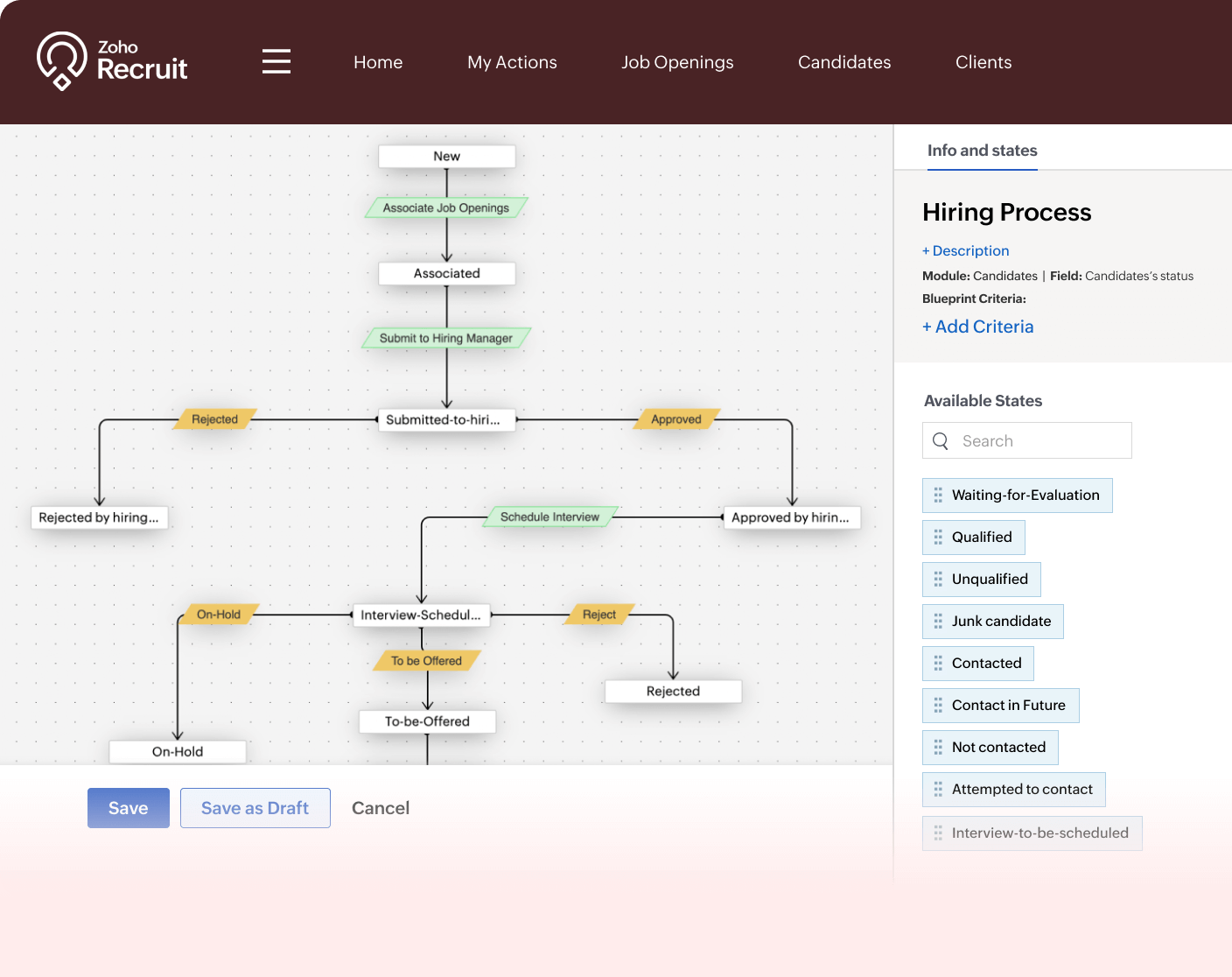
That automation extends across much of the recruitment process. Zoho can automatically parse emailed resumes into candidate profiles, score applicants through pre-screening assessments, send personalized email or SMS updates, schedule interviews and reminders, trigger background checks, and generate and track offer letters. Recruiters can also use Zia AI to match candidates with suitable roles and summarize profiles.
Pros
- ✓ Highly customizable Blueprint workflows.
- ✓ Automates application-to-offer processes.
- ✓ 70+ integrated job boards.
- ✓ Email, SMS, and WhatsApp automation.
- ✓ Built-in Zia AI assistant.
- ✓ Free plan available.
Cons
- − Blueprint requires a higher-tier plan.
- − Video interviews cost extra.
- − Extensive customization may require more setup.
ATS integrations
Zoho Recruit is a standalone ATS rather than an ATS overlay. It offers 50+ integrations, including LinkedIn, Indeed, hireEZ, Slack, Checkr, HireRight, HackerRank, Google Workspace, and Microsoft Teams.
Pricing
Budget-friendly, with a free plan and tiered per-recruiter pricing for corporate teams and staffing agencies. Advanced automation, including Blueprint and Workflow Rules, requires higher-tier plans, with some features available as paid add-ons.
3. Paradox
Best for: High-volume employers that want to automate candidate-facing recruitment.
Key features
- Olivia: Conversational recruiting assistant.
- Conversational Apply: Mobile-first applications and screening.
- Conversational Scheduling: Automated booking and rescheduling.
- Candidate communications: SMS, WhatsApp, Messenger, and email.
- Interview reminders: Automated candidate follow-ups.
- Programmatic advertising: Automated job distribution.
- Offer management: Mobile offer acceptance.
- Onboarding: Automated forms and reminders.
- Hiring events: High-volume event automation.
- Conversational ATS: End-to-end recruitment workflows.
Why we chose Paradox
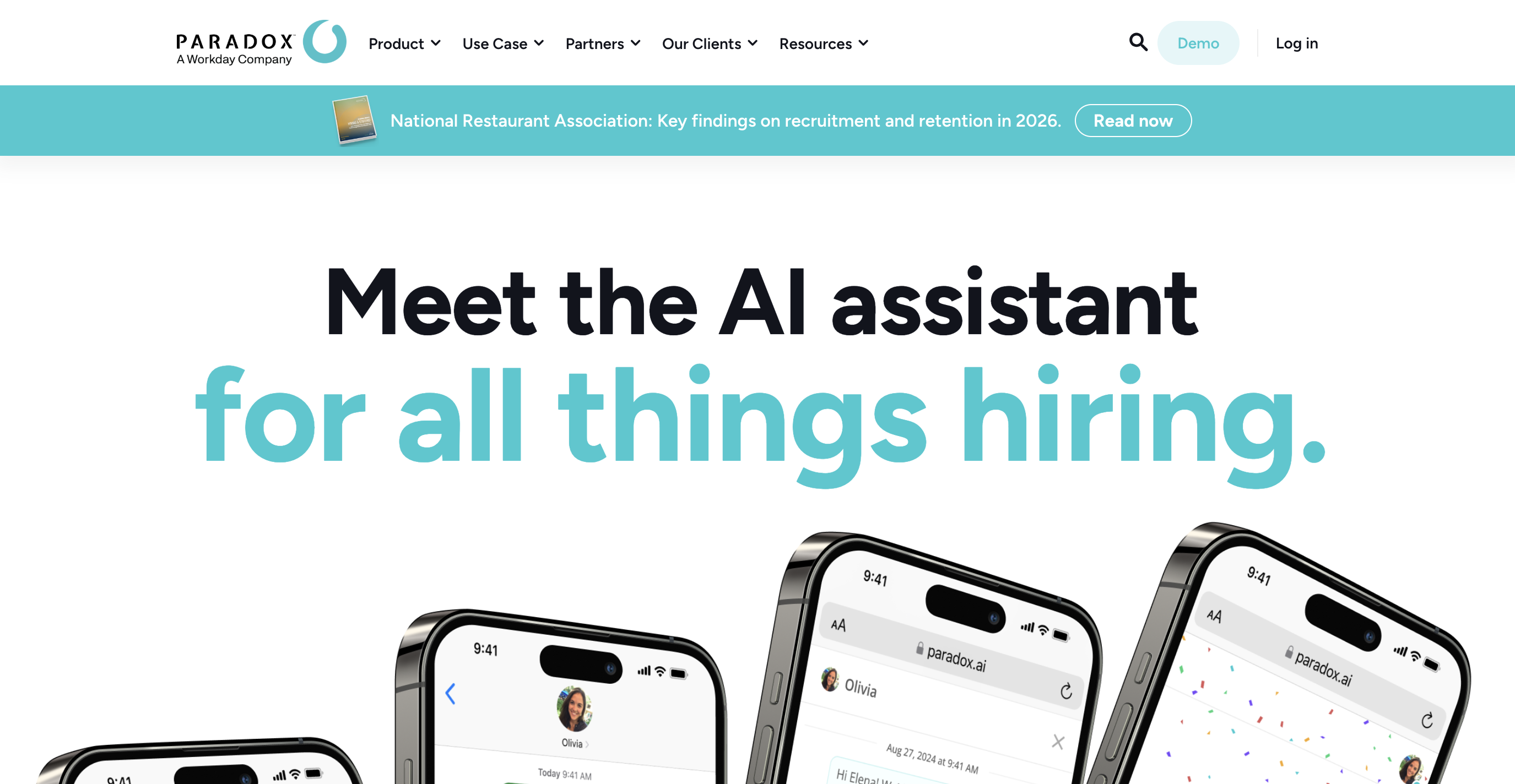
Paradox’s conversational AI assistant Olivia can walk candidates through much of the hiring process without needing a recruiter to intervene. Candidates can start an application through SMS, WhatsApp, Messenger, or a QR code, and Olivia immediately screens them against job requirements. Qualified applicants will then automatically receive available interview slots, while unsuitable candidates can be screened out or directed toward more relevant roles.
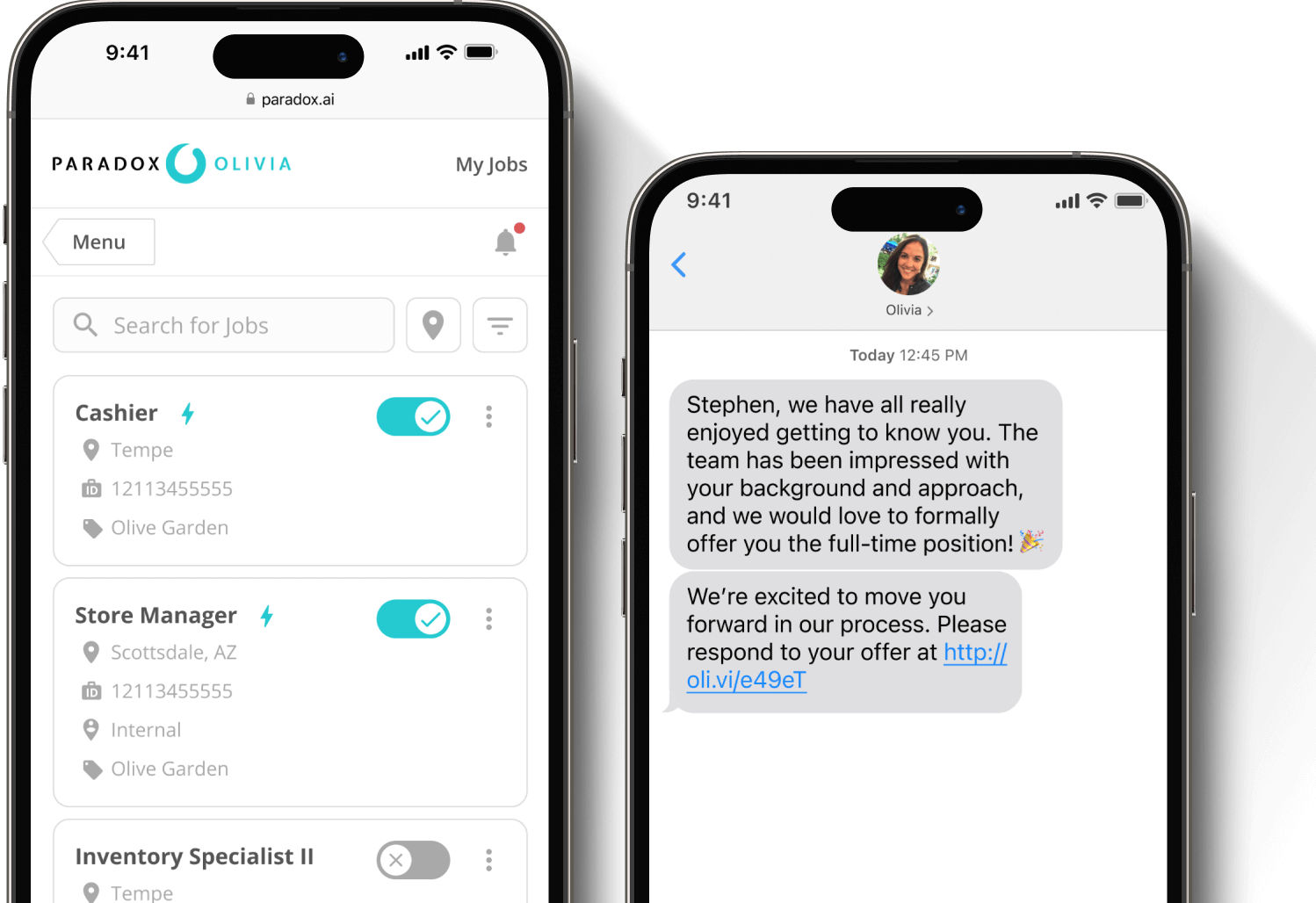
Scheduling is a particularly strong feature. Olivia syncs with recruiter and hiring manager calendars, coordinates everything from one-to-one to panel and multi-location interviews and handles reminders and rescheduling when plans change. The automation can continue after selection, with offers delivered by text and onboarding documents and reminders automatically sent before a new hire's first day.
This makes Paradox particularly well suited to high-volume and frontline recruitment, where automating hundreds or thousands of individual candidate interactions can remove significant administrative work from recruiters.
Pros
- ✓ Olivia automates candidate-facing workflows.
- ✓ Strong high-volume hiring capabilities.
- ✓ Advanced multi-person interview scheduling.
- ✓ Automated rescheduling and reminders.
- ✓ SMS and WhatsApp applications.
- ✓ Extends automation into onboarding.
Cons
- − Less focused on recruiter back-office workflows.
- − Pricing isn't publicly disclosed.
ATS integrations
Paradox integrates with many ATS platforms, including Workday Recruiting, SAP SuccessFactors, Greenhouse, iCIMS, ADP Workforce Now, SmartRecruiters, Lever, Oracle Taleo, BambooHR, and Jobvite.
Pricing
Paradox does not publish standard pricing and requests a custom quote.
4. Juicebox
Best for: Teams that want to automate sourcing, candidate research, and outreach.
Key features
- Juicebox Agents: Autonomous sourcing workflows.
- AI Search: 800M+ candidate profiles.
- Candidate ranking: Stack-rank up to 5,000 profiles.
- Automated outreach: Multi-step email sequences.
- Reply detection: Automatic sequence stopping.
- Talent rediscovery: Automated database reactivation.
- Talent Insights: Real-time market intelligence.
- Candidate summaries: AI-generated profile insights.
- Flexible autonomy: Manual or hands-off checkpoints.
- Multi-agent workflows: Parallel role-specific sourcing.
Why we chose Juicebox
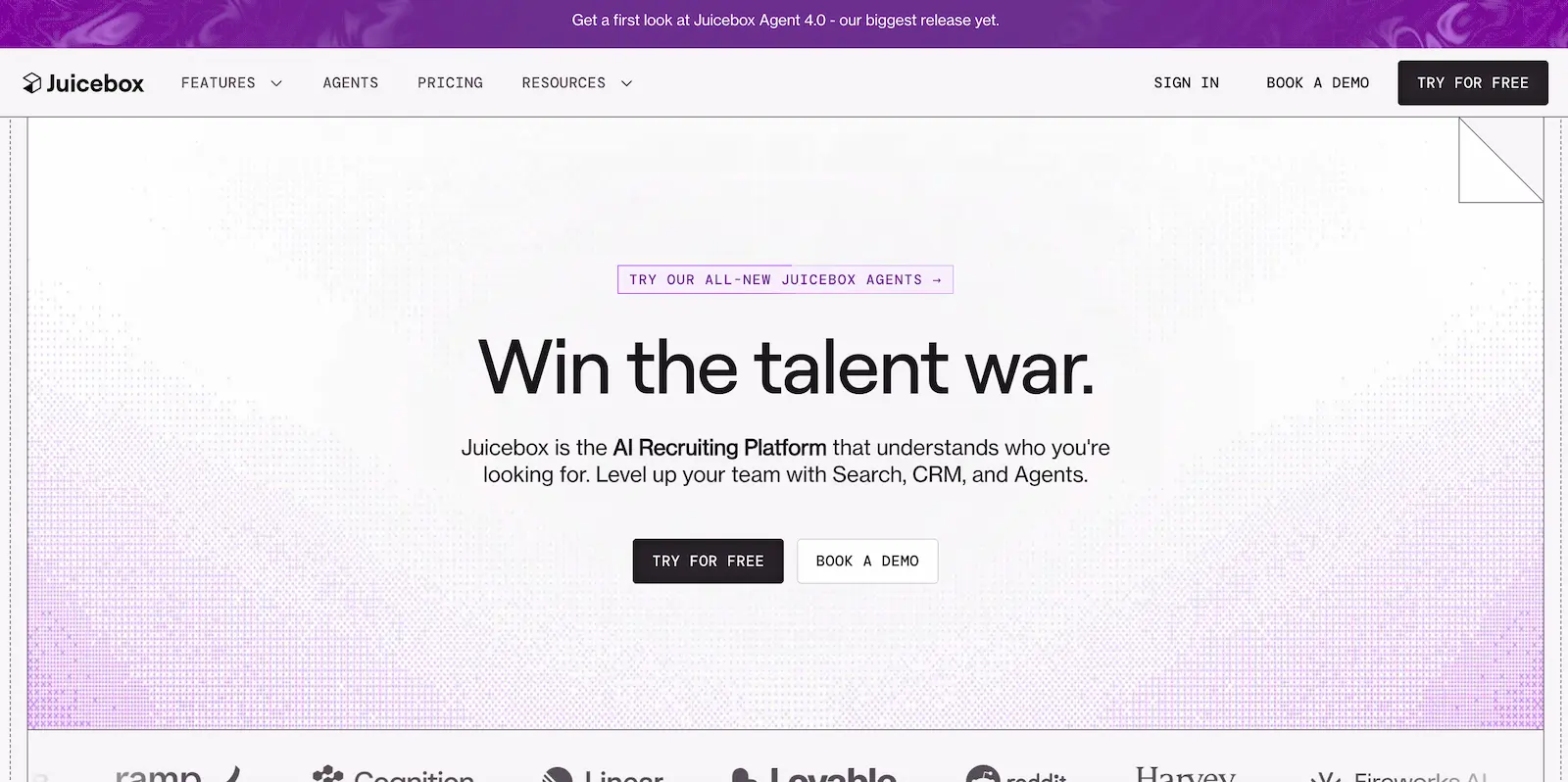
Juicebox stands out for automating one of the most time-consuming parts of recruiting: continuously finding and engaging qualified passive candidates. Juicebox Agents can search across 800M+ profiles and 30+ data sources, evaluate candidates against role-specific criteria, and keep refining their searches based on recruiter feedback and hiring preferences.
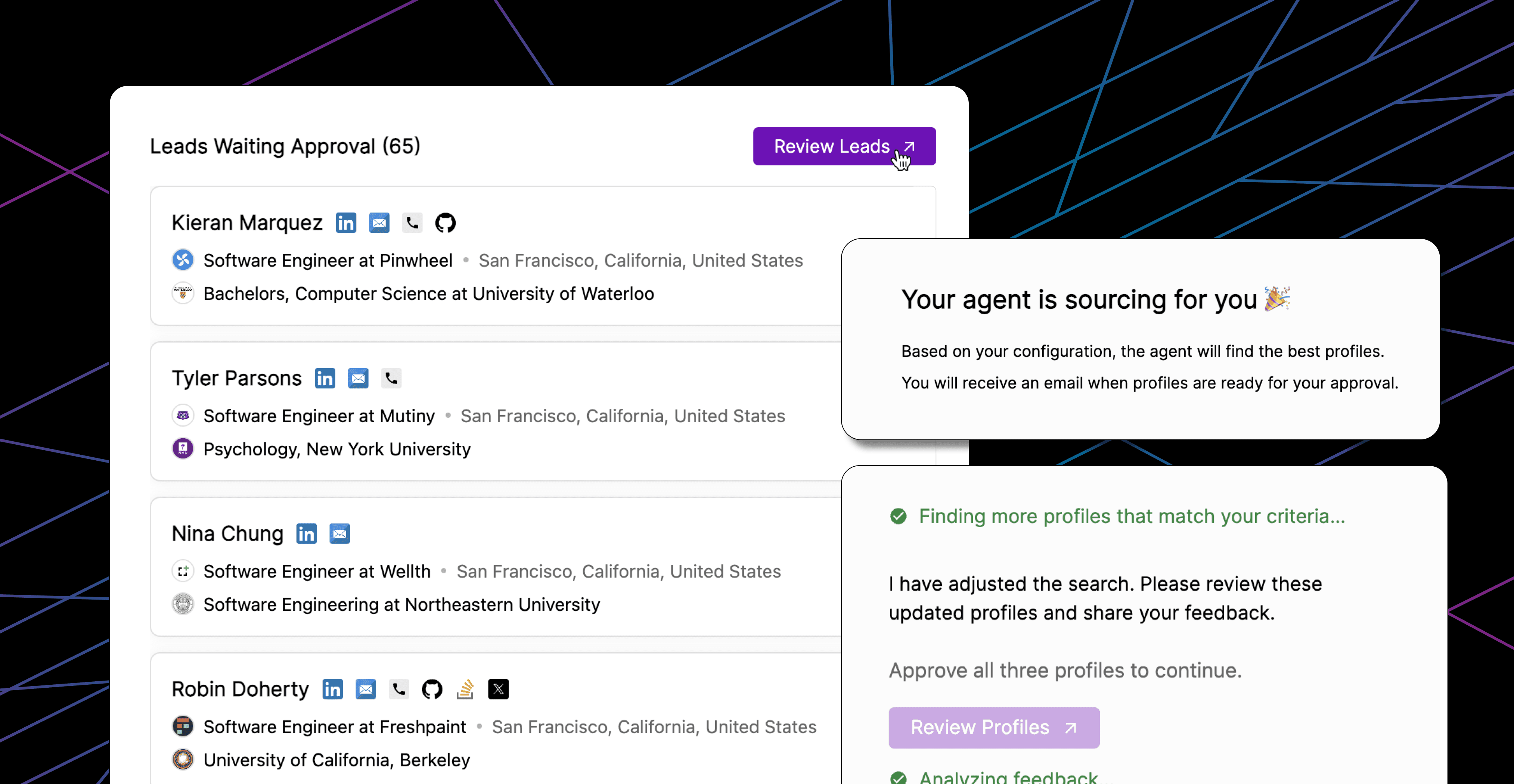
The automation doesn't stop at sourcing. Agents can stack-rank thousands of profiles, generate personalized outreach, send multi-step sequences, and automatically follow up with candidates. If someone replies, Juicebox stops the remaining sequence automatically, helping recruiters scale outreach without creating an obviously automated candidate experience.
Recruiters can also choose how autonomous each Agent should be, from fully hands-off sourcing and emailing to manual checkpoints before shortlisting or outreach. That makes Juicebox particularly useful for teams that want to automate repetitive outbound recruiting while still controlling the points where human review matters most.
Pros
- ✓ Searches 800M+ candidate profiles.
- ✓ Automates sourcing and outreach end-to-end.
- ✓ Evaluates up to 5,000 profiles.
- ✓ Flexible human approval checkpoints.
- ✓ Automated personalized follow-ups.
- ✓ Strong talent market analytics.
- ✓ Multiple Agents can run simultaneously.
Cons
- − Focused primarily on top-of-funnel recruitment.
- − Limited interview and offer automation.
- − Not designed as a full standalone ATS.
- − Agent functionality costs extra.
ATS integrations
Juicebox works alongside existing applicant tracking systems rather than replacing them. It integrates with 40+ ATS and CRM platforms, including Greenhouse, Lever, Ashby, Recruiterflow, Bullhorn, and Workday, allowing candidate data and sourcing activity to sync into existing recruitment workflows.
Pricing
Juicebox offers a free entry-level plan alongside per-seat "Starter" and "Growth" subscriptions, accessible to individuals and smaller recruiting teams. Larger organizations require custom “Business” pricing, while Juicebox Agents are priced separately as an add-on to paid plans.
5. Greenhouse
Best for: Established organizations that want structured, scalable recruitment automation.
Key features
- Task automation: Automated reminders and follow-ups.
- Candidate communications: Automated email and text campaigns.
- Interview scheduling: Candidate self-scheduling and reminders.
- Flexible pipelines: Job-specific hiring workflows.
- Job distribution: 1,000+ job boards.
- Offer workflows: Bulk approvals and e-signatures.
- Greenhouse Notetaker: Automated interview notes.
- Talent Matching: AI candidate prioritization.
- Background checks: Integrated screening workflows.
- Onboarding: Automated tasks and email flows.
Why we chose Greenhouse
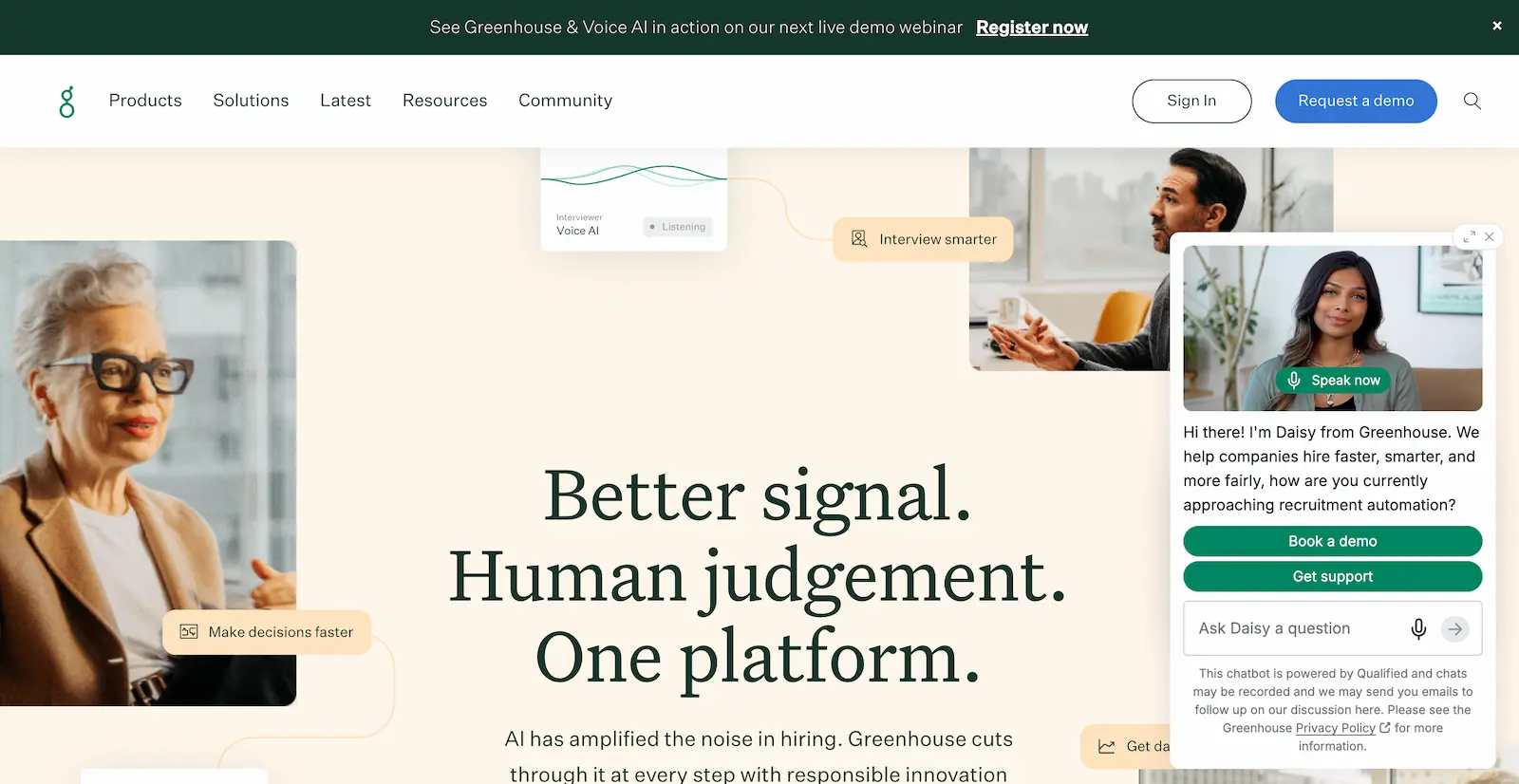
Greenhouse is one of the most established ATS platforms on our list, and its automation is built around making structured hiring easier to execute at scale. Recruiters can create separate pipelines for each role and automate repetitive tasks, including candidate status updates, interview reminders, rejection emails, hiring team notifications, and other follow-ups.
Scheduling is another strong point. Candidates can self-schedule interviews, while automated reminders keep both candidates and interviewers on track. Greenhouse also connects these workflows to a particularly large recruitment ecosystem, with 500+ integration partners covering assessments, background checks, sourcing, scheduling, e-signatures, and HR systems. This means teams can automate more of their existing recruitment stack without replacing every tool they already use.
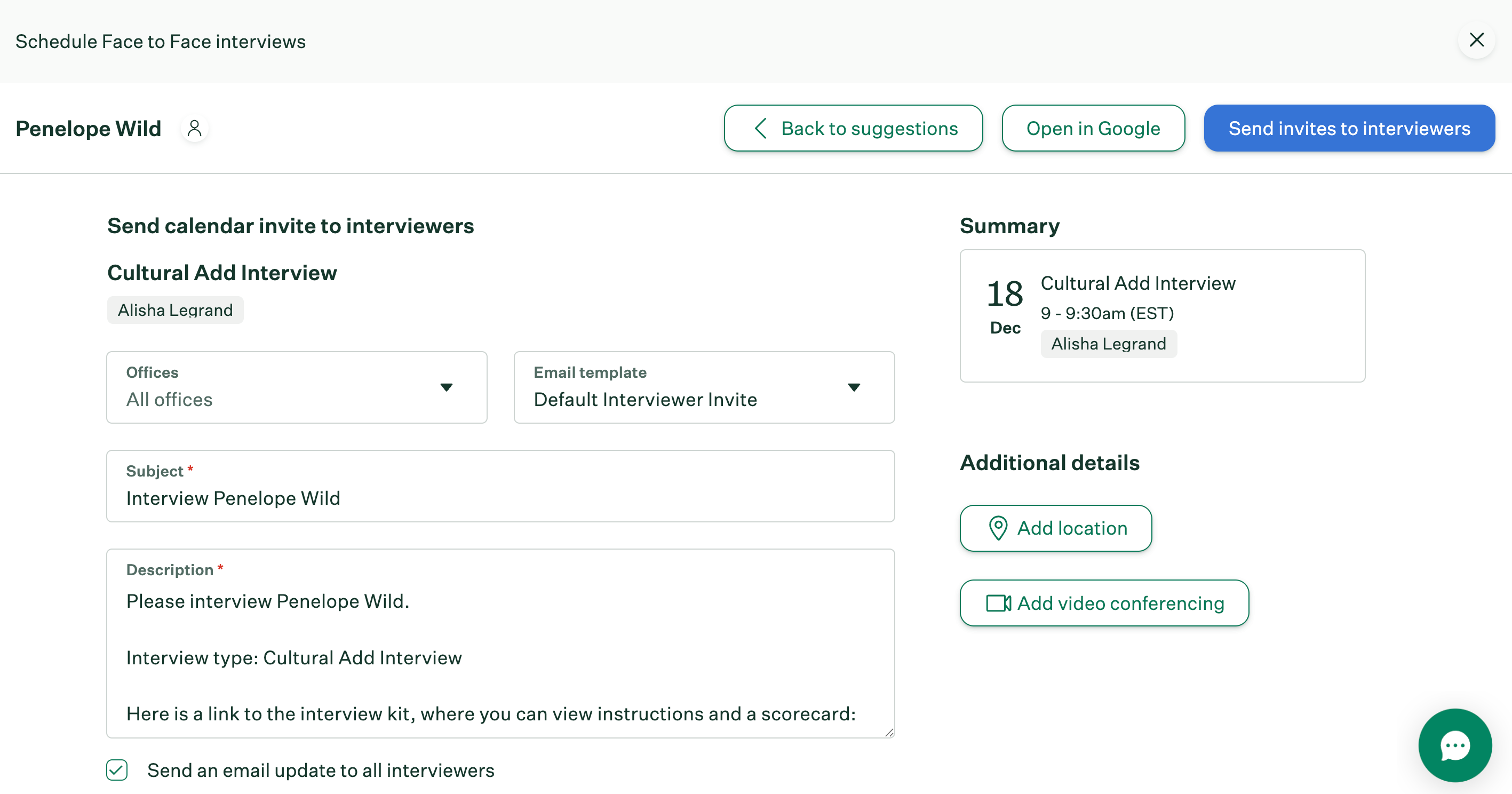
Its automation continues after the hire through Greenhouse Onboarding, where tasks and reminders can be automatically assigned according to criteria such as role, office, or employment status, while new hires receive structured email flows and information can sync into HR systems.
Pros
- ✓ 500+ recruitment integrations.
- ✓ 1,000+ job board connections.
- ✓ Strong structured hiring workflows.
- ✓ Automated candidate and team reminders.
- ✓ Candidate self-scheduling.
- ✓ Automated onboarding workflows.
Cons
- − Less autonomous than agentic AI platforms.
- − Some automation features are still waiting to be launched.
- − Pricing isn't publicly disclosed.
ATS integrations
Greenhouse is a standalone ATS with 500+ integration partners rather than an automation overlay for other ATSs. Connections include Workday, BambooHR, LinkedIn Recruiter, hireEZ, Calendly, Zoom, TestGorilla, CodeSignal, and Checkr, alongside an open API for custom integrations.
Pricing
Greenhouse does not publish pricing, and organizations must request sales for a custom quote.
6. Fountain
Best for: High-volume frontline and distributed hiring.
Key features
- Dynamic Workflow Editor: Custom hiring funnels.
- Cue: End-to-end workflow orchestration.
- AI Recruiter: Automated screening and interviews.
- Text-to-Apply: Mobile SMS applications.
- Interview scheduling: Automated booking and follow-ups.
- Background checks: Multiple integrated providers.
- Fountain Referrals: Automated referral campaigns.
- Onboarding: Automated paperwork and reminders.
- Shift & Scheduling: Automated shift assignment.
- CRM: Automated candidate re-engagement.
Why we chose Fountain
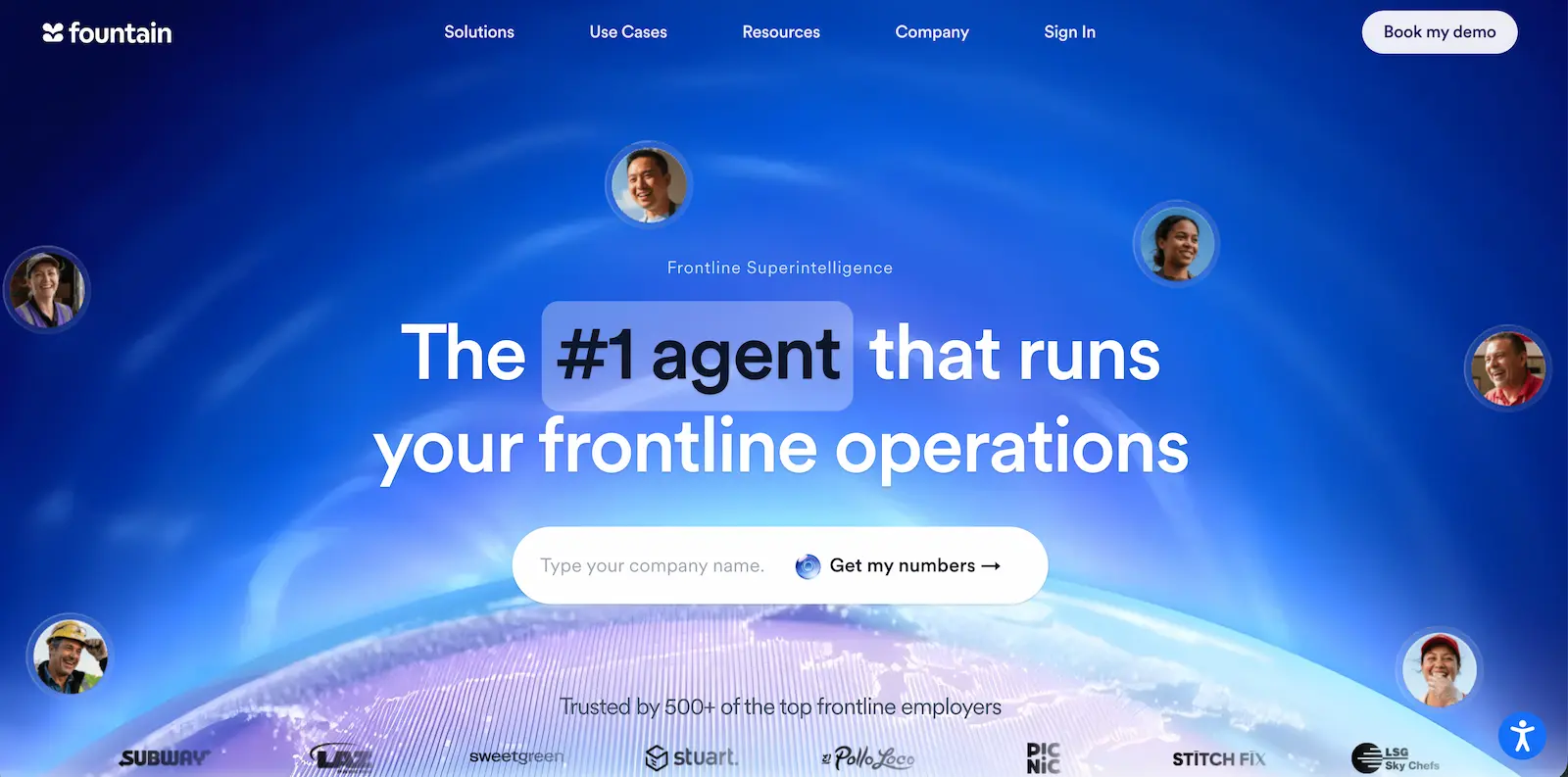
Fountain was purpose-built for high-volume frontline hiring, where recruiters may need to move thousands of candidates through similar processes quickly. Its Dynamic Workflow Editor lets teams create different hiring funnels by role and location, choosing the qualifications and stages candidates must complete. Automated screening can then filter applicants, and qualified candidates move forward without recruiters manually reviewing every application.
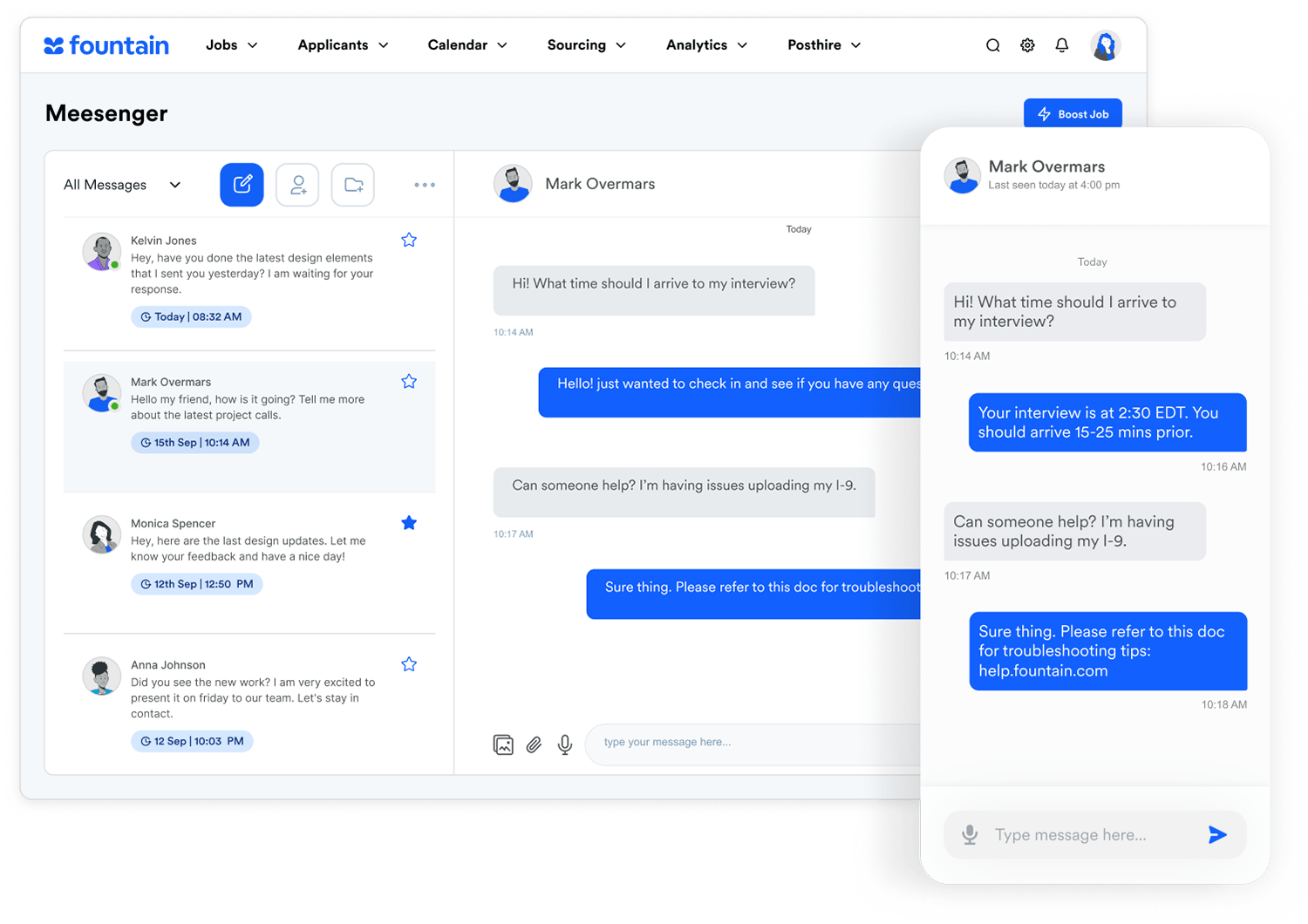
What particularly sets Fountain apart is how far that automation can extend. Cue can orchestrate work across sourcing, CRM, ATS, onboarding, and scheduling. Its AI agents can screen candidates, fill interview slots, re-engage previous applicants, collect onboarding paperwork, and continue into shift assignment and worker notifications.
Pros
- ✓ Purpose built for high-volume frontline hiring.
- ✓ Role- and location-specific workflows.
- ✓ Automated candidate progression.
- ✓ Strong SMS and mobile experience.
- ✓ Automation extends into onboarding and scheduling.
- ✓ Multiple background check integrations.
Cons
- − Less suited to low-volume corporate recruitment.
- − Doesn’t integrate with existing ATSs.
- − Standard subscription pricing isn't publicly listed.
ATS integrations
Fountain works as an ATS rather than being an ATS overlay, with an open API and 40+ integrations across HR, scheduling, compliance, and assessment tools. Background-check integrations include Checkr, Sterling, HireRight, Accurate, Zinc, and S2Verify, with assessment integrations including Harver and Testlify.
Pricing
Fountain does not publicly list standard platform pricing, so organizations need to contact sales for a quote. Cue is included with Fountain products and uses a credit-based model for completed actions.
7. Lever
Best for: Growing organizations that want ATS, CRM, and recruitment automation in one platform.
Key features
- Smart workflows: Automated candidate progression.
- Interview scheduling: Self-service booking and follow-ups.
- Approval chains: Custom hiring approvals.
- Offer management: Templates and e-signatures.
- Lever CRM: Automated nurture campaigns.
- AI Screening Companion: Candidate prioritization and follow-up.
- AI Screening by VONQ: Automated pre-screening.
- Talent rediscovery: Past-candidate resurfacing.
- Job posting: 200+ job boards.
- Onboarding: Automated tasks and documents.
Why we chose Lever
Lever stands out because it combines ATS and CRM functionality with automation across both active applicants and longer-term talent pipelines. Recruiters can build workflows that move candidates forward automatically, schedule interviews and follow-ups, manage approval chains, generate offers, and keep candidates updated without manually coordinating every step.
Its built-in CRM adds another layer of automation that many traditional ATS platforms lack. Teams can create personalized nurture campaigns for passive or previous candidates, track engagement, and rediscover talent already in their database rather than starting every search from scratch.
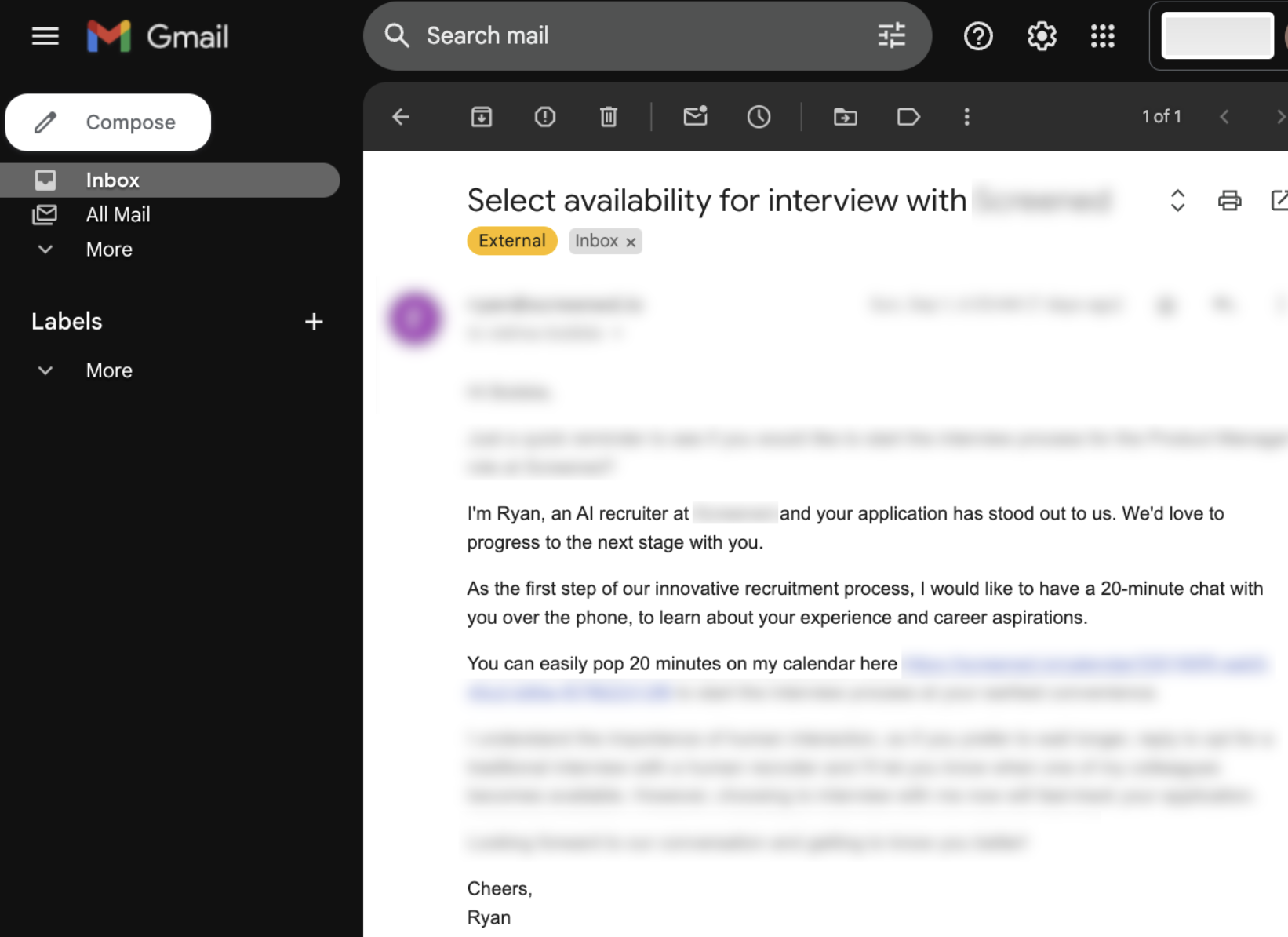
Lever is also extending these workflows with AI. AI Screening Companion can surface stronger applicants and automate follow-up actions, while AI-powered screening can turn high application volumes into ranked, summarized shortlists and collect additional candidate information through chat or voice conversations. This combination makes Lever particularly useful for teams that want to automate both candidate movement through open roles and ongoing relationship-building with future talent.
Pros
- ✓ Unified ATS and CRM.
- ✓ Automated candidate progression.
- ✓ Built-in nurture campaigns.
- ✓ Self-service interview scheduling.
- ✓ Custom approval and offer workflows.
- ✓ Automated onboarding processes.
- ✓ 200+ job board connections.
Cons
- − Pricing isn't publicly disclosed.
- − Some AI screening relies on third-party (VONQ) technology rather than being fully native to Lever.
- − Doesn’t integrate with existing ATSs.
ATS integrations
Lever is primarily a standalone ATS and CRM rather than an ATS overlay. It integrates with hundreds of HR, assessment, background-check, sourcing, and productivity tools, allowing recruitment workflows and candidate data to connect with the wider HR tech stack.
Pricing
Lever uses custom pricing based on company size, hiring volume, selected products, integrations, and support requirements. Pricing isn't publicly listed, so organizations need to request a tailored quote.
8. Gem
Best for: Teams that want AI automation across sourcing, screening, scheduling, and ATS workflows.
Key features
- AI Sourcing Agent: Automated talent discovery.
- AI App Review Agent: Ranked inbound applicants.
- Fraud Detection Agent: Automated risk screening.
- Talent Rediscovery: Past-candidate resurfacing.
- Advanced automations: Stage moves, tasks, reminders.
- Scheduling: Self-service booking and follow-ups.
- Outreach sequences: Automated email, SMS, InMail.
- Offer management: Approvals and e-signatures.
- Gem CRM: Automated nurture campaigns.
- Gem ATS: End-to-end hiring workflows.
Why we chose Gem
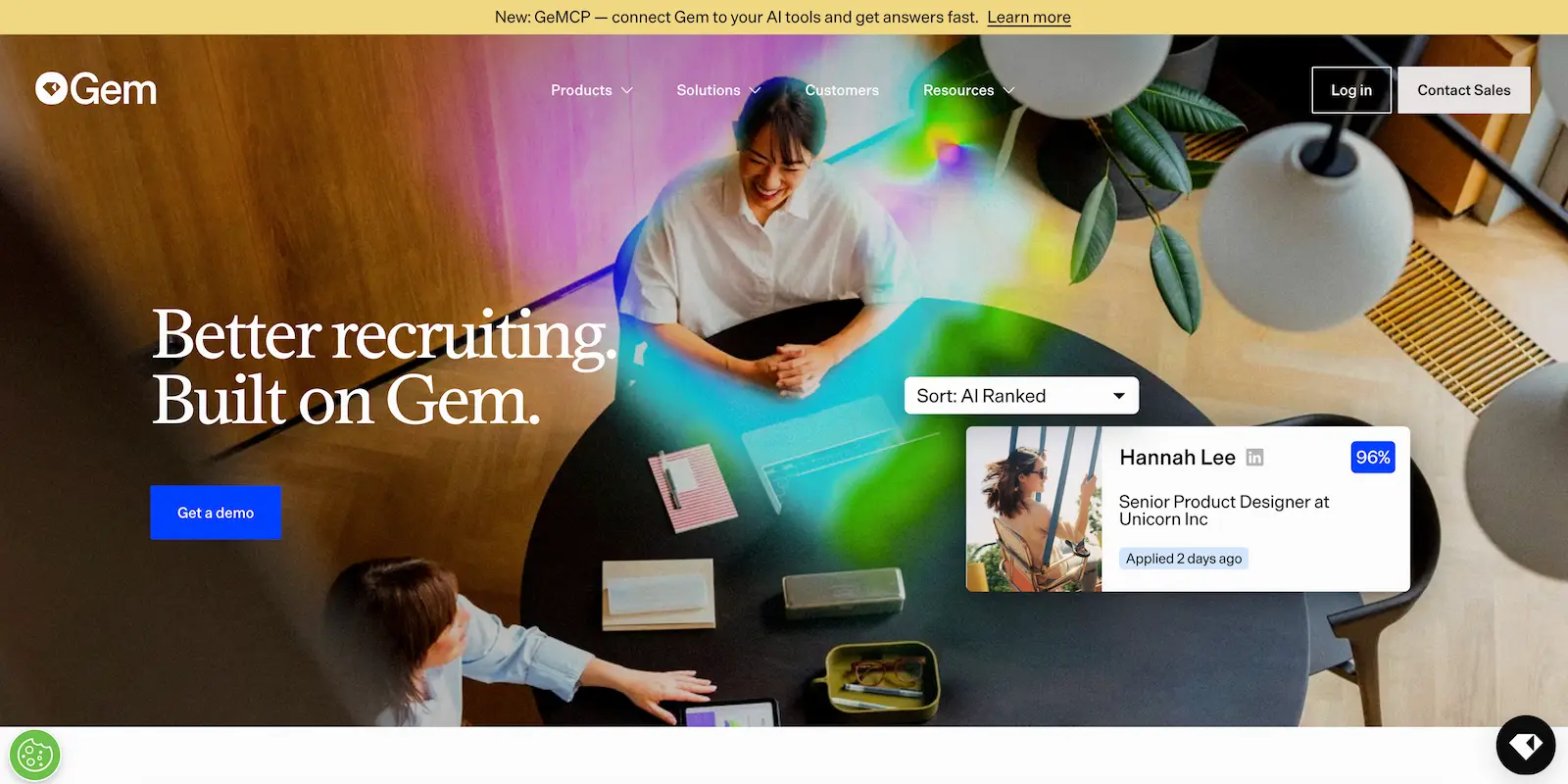
Gem stands out for bringing automation across both the top of the funnel and the core hiring workflow. Its AI Sourcing Agent can search 800M+ profiles, resurface past candidates, and find strong matches, while the AI Application Review Agent automatically scores and ranks applicants as they arrive.
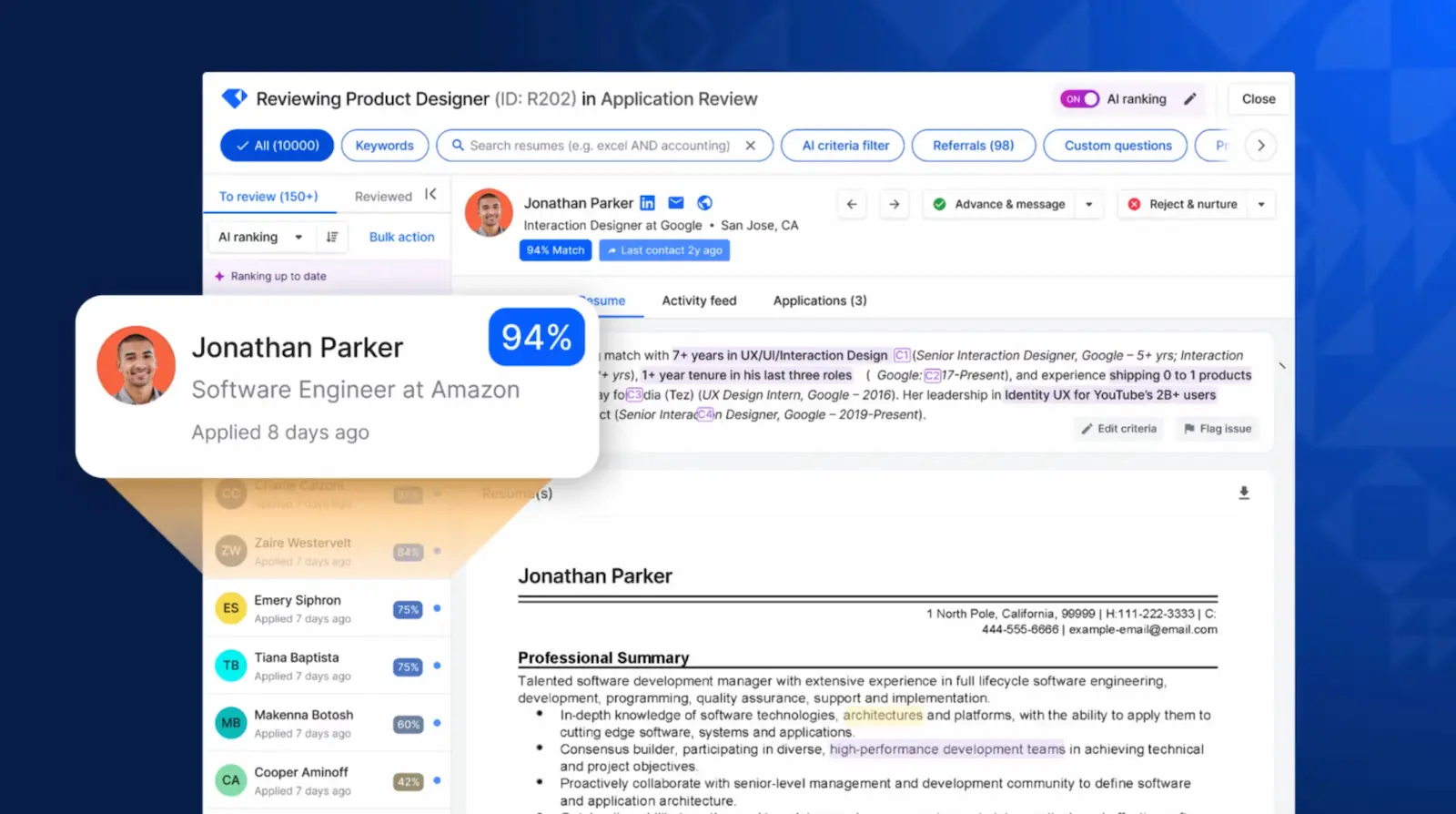
Once candidates enter the pipeline, Gem can automate stage moves, notifications, task assignments, interview scheduling, confirmations, and reminders. Recruiters can also run personalized nurture sequences across email, SMS, and InMail, with ATS activity automatically syncing back.
Pros
- ✓ Three dedicated AI recruiting agents.
- ✓ Strong sourcing and inbound automation.
- ✓ Automated stage moves and tasks.
- ✓ Self-service interview scheduling.
- ✓ Real-time bidirectional ATS sync.
- ✓ Built-in CRM and nurture automation.
- ✓ Explainable AI recommendations.
Cons
- − Full functionality spans multiple Gem products.
- − Some fraud features are Gem ATS-specific.
ATS integrations
Gem works both as a standalone ATS and as an automation layer on top of existing systems. It integrates with Greenhouse, Workday, Lever, iCIMS, SAP SuccessFactors, SmartRecruiters, Ashby, Bullhorn, Workable, Recruitee, Jobvite, Teamtailor, and others, with real-time bidirectional sync available for key platforms.
Pricing
Gem uses product-based pricing rather than one simple public plan structure. Some products are available separately, while larger teams typically need custom pricing depending on the combination of ATS, CRM, sourcing, scheduling, analytics, and AI capabilities selected.
9. Workable
Best for: Organizations wanting workflow automation and autonomous AI recruiting in one ATS.
Key features
- Workable Agent: Autonomous sourcing-to-shortlist workflows.
- Automated recruitment tasks: Stage-based workflows and emails.
- Custom hiring pipelines: Role-specific recruitment workflows.
- Requisition workflows: Hiring and budget approvals.
- Offer management: Approvals and e-signatures.
- AI sourcing: 400M+ candidate profiles.
- Talent rediscovery: Automated past-candidate resurfacing.
- Candidate communications: Email and SMS messaging.
- Job distribution: 200+ job boards.
- Candidate surveys: Stage-based experience surveys.
Why we chose Workable
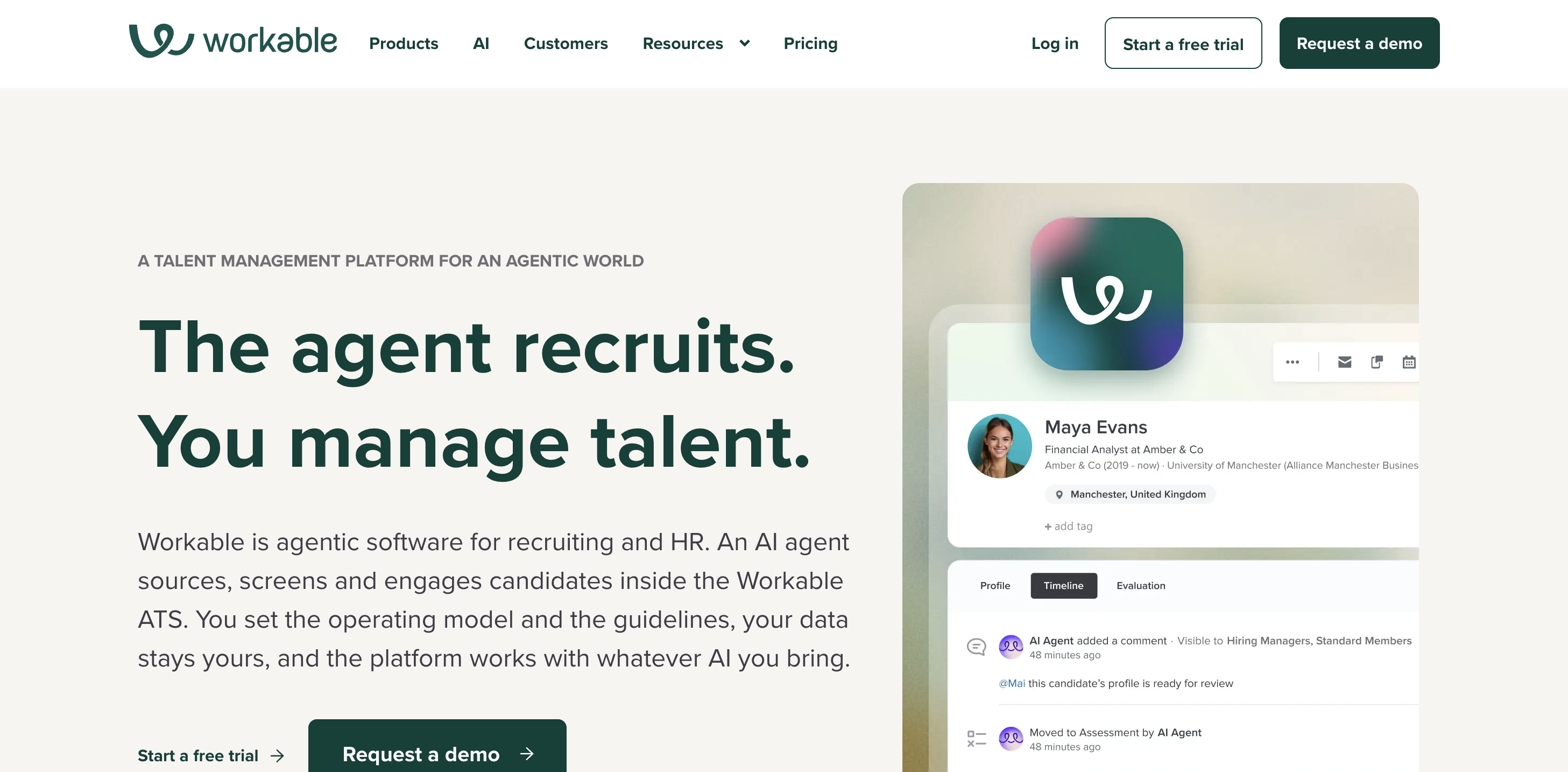
Workable combines conventional recruitment automation with Workable Agent, giving recruiters two different ways to remove manual work. Teams can build custom hiring pipelines and automate repetitive actions based on the job, department, or hiring stage, while requisition and budgeting workflows keep approvals moving without relying on disconnected processes.
Workable Agent takes that automation further at the top of the funnel. It can autonomously source candidates, contact them to confirm interest, collect missing information, screen them, and ultimately deliver a ranked shortlist for recruiters to review. Workable can also automatically resurface qualified previous applicants when a new vacancy opens and distribute jobs across 200+ job boards.
This makes Workable particularly strong for organizations that want to automate both the administrative workflow around recruitment and some of the actual recruiting work within it, while keeping everything within the same ATS.
Pros
- ✓ Autonomous Workable Agent workflows.
- ✓ Custom stage-based recruitment automation.
- ✓ Built-in requisition and budget approvals.
- ✓ 200+ job board integrations.
- ✓ Automated talent rediscovery.
- ✓ Offer approvals and e-signatures.
Cons
- − Autonomous sourcing may require intricate configuration.
- − AI sourcing focuses heavily on Workable's own candidate database.
- − Doesn’t integrate with other ATS platforms.
ATS integrations
Workable is a standalone ATS with an extensive integration ecosystem and Developer API for connecting other HR and recruitment tools. It is primarily designed to serve as the core ATS rather than as an automation layer over another ATS.
Pricing
Workable uses tiered subscription plans, with functionality increasing across its packages and some capabilities available as paid add-ons. Pricing is published for some plans, while larger organizations can request custom enterprise pricing.
10. Teamtailor
Best for: Candidate-focused recruitment automation and employer branding.
Key features
- Automation Triggers: Custom workflow automation.
- Smart Move: Automated candidate progression.
- Smart Schedule: Interview scheduling automation.
- AI Co-pilot: Recruiting task assistance.
- Candidate Screening: Criteria-based AI evaluation.
- AI Suggestions: Top-applicant identification.
- Candidate Suggestions: Talent rediscovery.
- Nurture: Automated candidate campaigns.
- Connect: Passive talent communities.
- Onboarding: Automated new-hire workflows.
Why we chose Teamtailor
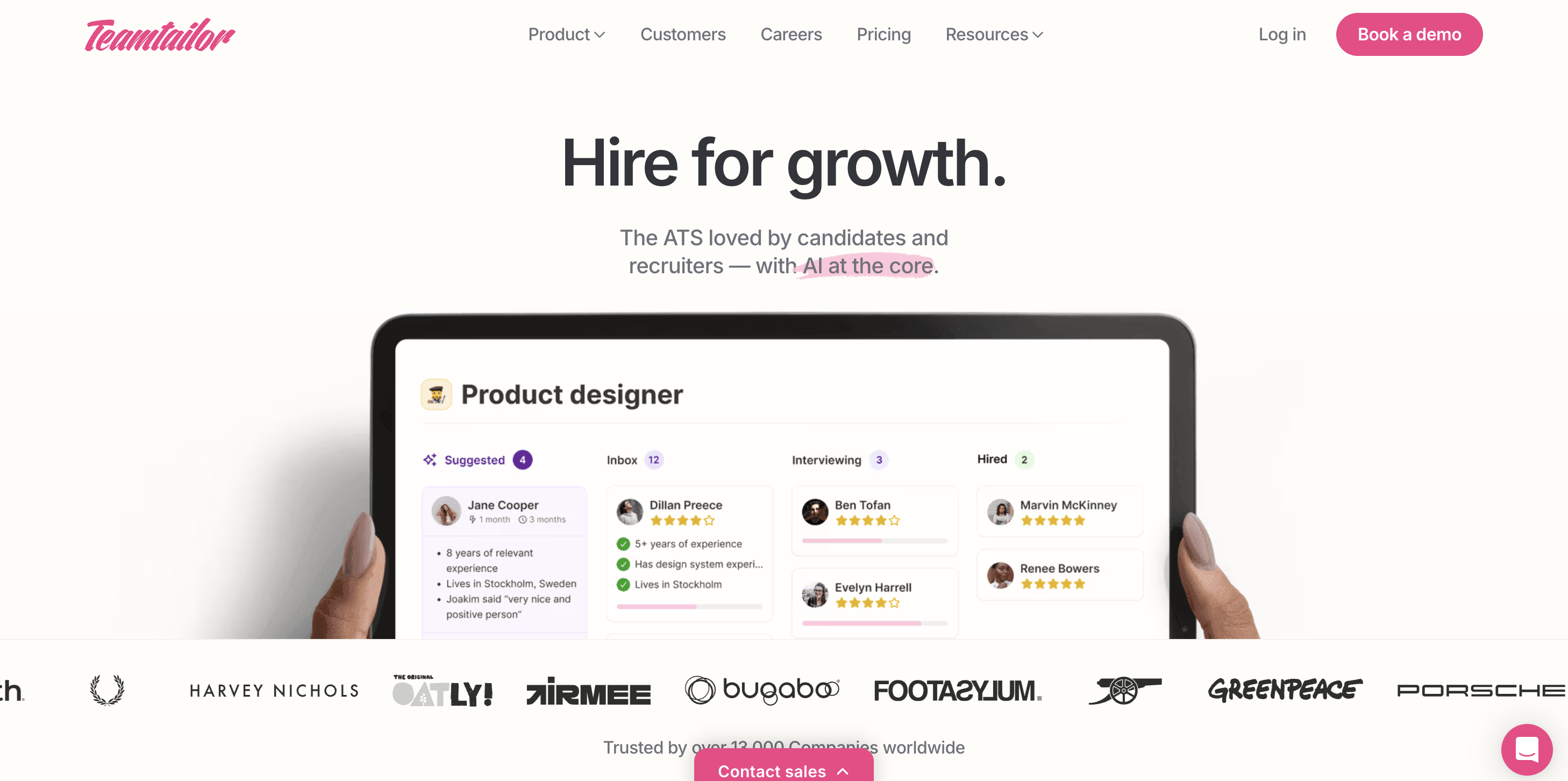
Teamtailor stands out for combining recruitment automation with one of the strongest candidate experience and employer branding toolsets on our list. Rather than focusing solely on making recruiters more efficient, its workflows are designed to automate repetitive work while keeping candidates engaged throughout the process.
Recruiters can build custom hiring flows and use triggers to automatically send messages and surveys, schedule interviews, request references, assign tasks, or move candidates forward based on predefined criteria. Its CRM extends that automation further with personalized nurture campaigns and Connect, which helps teams build relationships with passive candidates before the right vacancy appears.
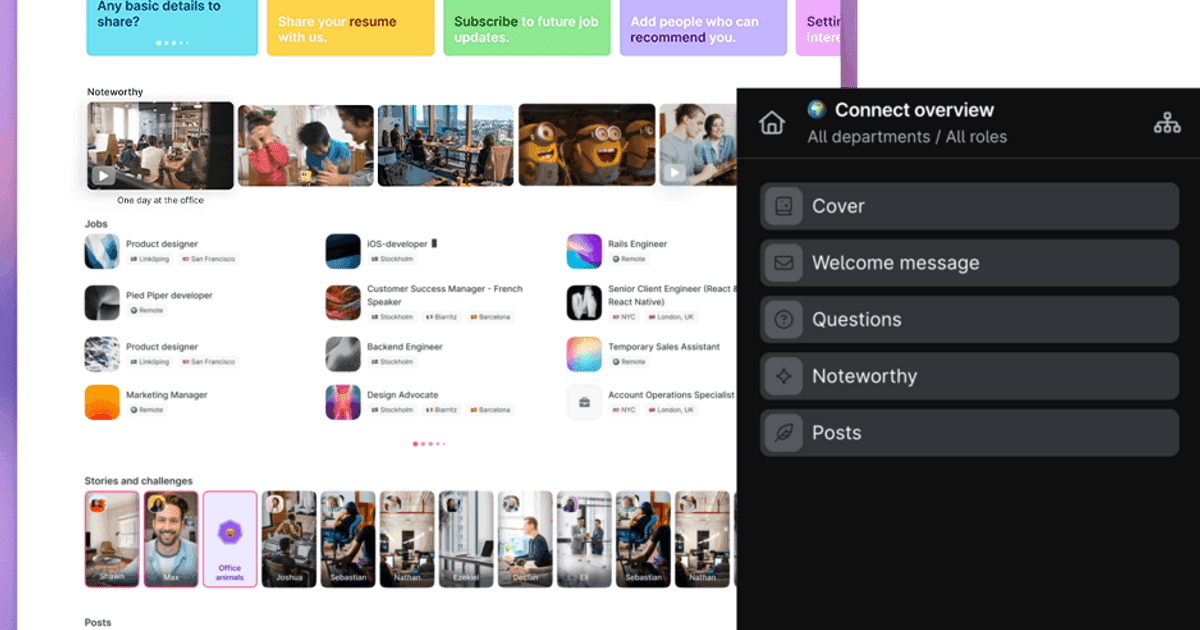
AI Co-pilot adds an intelligence layer to these workflows. It can evaluate candidates against hiring criteria, summarize resumes and interviews, suggest existing candidates from the talent pool, recommend interview questions, and draft candidate communications. Combined with Teamtailor's customizable career sites, Candidate Chat, referrals, and mobile-friendly applications, this makes it particularly strong for organizations that want to automate hiring without sacrificing the candidate experience.
Pros
- ✓ Highly customizable workflow automation.
- ✓ Strong employer branding and career sites.
- ✓ Built-in ATS and recruitment CRM.
- ✓ AI-assisted candidate screening and matching.
- ✓ Automated scheduling and communications.
- ✓ Strong candidate nurture capabilities.
- ✓ Unlimited users and job postings.
Cons
- − Some advanced workflow features, including requisition and job offer approvals, require additional add-ons.
- − Pricing isn't publicly listed.
- − Doesn’t integrate with other ATS platforms.
ATS integrations
Teamtailor is an all-in-one ATS rather than an ATS overlay, with a marketplace of integrations covering assessments, job boards, interviewing, HR systems, and other recruitment tools. It also supports LinkedIn Recruiter System Connect, Zapier, an open API, and a BI connector for connecting recruitment data with external systems.
Pricing
Teamtailor provides customized pricing based on an organization's requirements rather than publishing standard plan prices. Unlimited users, unlimited job postings, customer support, and 250+ features are included, while features such as requisitions, enterprise calendar, BI connector, and job offer approvals are available as add-ons.
What Are Recruitment Automation Tools?
Recruitment automation tools are software platforms that automate repetitive, manual tasks throughout the hiring process. Instead of recruiters repeatedly posting jobs, sending follow-up emails, and scheduling interviews, these actions can be automatically implemented based on predefined rules and workflows. This gives recruiters more time to focus on more important tasks, such as interviewing candidates, building relationships, and making hiring decisions.
Automation can also improve the candidate's experience. Automated updates, reminders, scheduling, and follow-ups help keep candidates informed and engaged rather than leaving them waiting for a recruiter to complete each task manually.
Recruitment Automation vs. AI Recruiting
Although the terms are sometimes used interchangeably, recruitment automation and AI recruiting serve different purposes.
- Recruitment automation focuses on executing specific tasks in "if-this-then-that" workflows. For example, if an interview is required, these tools can automatically send a candidate a scheduling link.
- AI recruiting focuses more on intelligence and decision support. AI recruiting tools can analyze candidate information, identify patterns, evaluate fit, and provide recruiters with deeper insights to support hiring decisions.
Many of the best recruitment automation tools, such as Hire-Match, use AI alongside rules-based automation, enabling recruiters to have a complete workflow and find the strongest candidates for a role as well as speeding up processes.
How to Choose Automation Tools for Recruitment
The best automation tools for recruitment depend on your existing hiring process and where your team is losing the most time.
Before comparing platforms, consider:
- Your biggest bottlenecks: Where do recruiters spend the most time on repetitive work? Is it posting jobs, reviewing applications, scheduling interviews, chasing feedback, communicating with candidates, or preparing offers?
- The workflows you want to automate: Do you need end-to-end recruitment automation or something more specialized for sourcing, CRM workflows, frontline hiring, candidate communication, onboarding, or another specific stage?
- What you already automate: Do you need to replace your entire recruitment stack? Or do you simply need better automation for a specific task? (i.e., candidate communication, interview scheduling).
- ATS compatibility: Do you need an all-in-one platform that can replace your existing ATS or an automation tool that integrates with and enhances your current system?
- Your hiring volume and team size: Are you a small recruiting team, a global enterprise, or a company processing thousands of frontline applications? Look for a platform designed to scale with your hiring needs.
- Pricing: How is pricing calculated? What is included in each plan? Does the platform include a free trial or personalized demo so you can try before you buy?
Start with the problem rather than the platform. Once you know what you want to automate, it's much easier to identify which recruitment automation tools offer capabilities your team will use.
Find the Right Automation Tools for Your Team
The best recruitment automation tools remove repetitive work without making your hiring process more complicated. Throughout this guide, we've selected platforms with different strengths, from sourcing and candidate communication to interview scheduling, CRM automation, onboarding, and end-to-end hiring workflows.
For recruiters looking for an end-to-end solution, Hire-Match combines recruitment automation with AI-powered hiring intelligence. Alongside automating workflows across sourcing, screening, candidate engagement, interviews, and shortlisting, Clara, Hire-Match's AI Recruiter, helps teams analyze resumes, uncover deeper career insights, conduct structured interviews, compare candidates, and understand the evidence behind every recommendation.
Frequently asked questions
Recruitment automation tools can cost anywhere from around $15 per month for simple, specialized software to hundreds or even thousands of dollars per month for more advanced recruitment platforms. Pricing may be based on recruiter seats, active jobs, hiring volume, features, or company size.
While automation requires an upfront investment, reducing repetitive administrative work can lower recruitment costs and give recruiters more time for higher-value tasks. Many platforms also offer free plans, trials, or demos, so you can evaluate the software before committing.
Hire-Match is our top recruitment automation tool because it combines workflow automation with intelligent candidate evaluation. Rather than focusing solely on making existing processes faster, Hire-Match uses AI across resume screening, candidate analysis, interviews, assessments, engagement, and ranking to help recruiters automate repetitive work while making more informed hiring decisions.
Our top five recruitment automation tools are Hire-Match, Zoho Recruit, Paradox, Juicebox, and Greenhouse. We selected them because each offers strong automation while serving different recruiting needs: Hire-Match for automation combined with intelligent candidate evaluation; Zoho Recruit for customizable workflows; Paradox for conversational automation; Juicebox for automated sourcing and outreach; and Greenhouse for structured ATS workflow automation.
The 5 Cs of recruitment are competency, character, communication, culture fit, and consistency. They provide a simple framework for considering whether someone has the capabilities, behaviors, communication skills, organizational fit, and consistency required to succeed in a role.
Recruiters and AI platforms use frameworks like the 5 Cs alongside structured interviews, assessments, and other job-relevant evidence to make more informed hiring decisions.
Integration should be an important consideration when choosing recruitment automation software. Greenhouse, for example, has an extensive integration ecosystem and open API, while platforms such as Workable connect with widely used HRIS and payroll systems. Hire-Match has the flexibility to work as a standalone tool or as an intelligence and automation layer on an existing ATS.
Identify the ATS, HRIS, payroll, assessment, background-check, and communication tools you need to connect to before choosing your platform.
The most useful features depend on where your recruitment bottlenecks occur, but common capabilities to look for include:
- Automated job posting and distribution to publish vacancies across multiple channels.
- Candidate communication and email sequences for automatic updates, reminders, and follow-ups.
- Interview scheduling to reduce back-and-forth between candidates and hiring teams.
- Application routing to automatically move or assign candidates based on predefined rules.
- Candidate status updates to keep applicants informed throughout the process.
- Background check workflows to trigger and track pre-employment checks.
- Offer management for approvals, offer letters, e-signatures, and reminders.
- ATS workflow automation to trigger actions as candidates progress through hiring stages.
- CRM automation for talent pools, nurture campaigns, and candidate rediscovery.
- Recruiter reminders and task automation to keep hiring teams on schedule.
The best recruitment automation software doesn't necessarily automate everything. Prioritize the features that address your team's biggest sources of repetitive work.
Our recruitment solutions.
Resume screening software
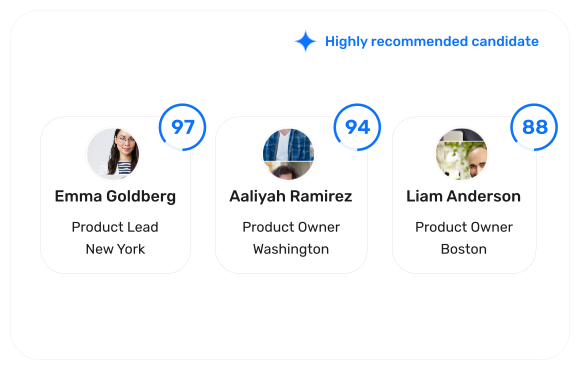
Turn a pile of resumes into a ranked shortlist, backed by clear hiring evidence.
Interview software
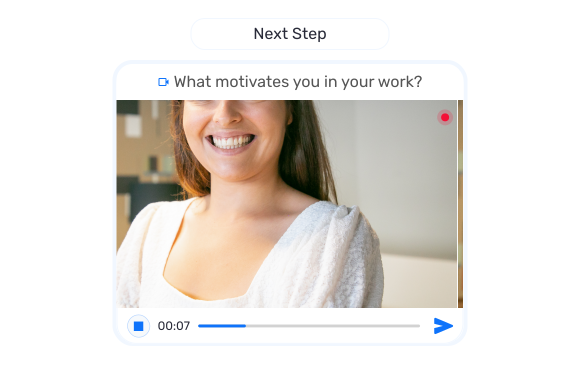
Screen candidates with structured video, audio, and conversational interviews.
AI recruiter
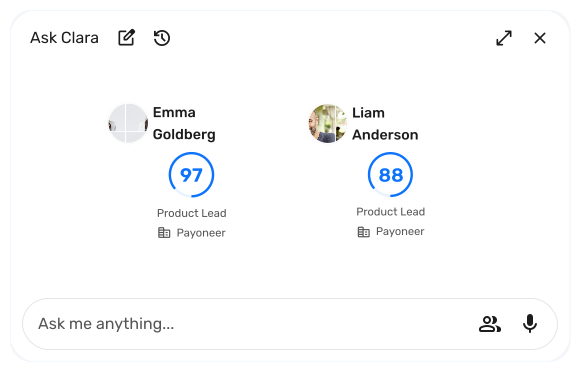
Ask Clara, your recruiting assistant, anything about any candidate in your hiring pipeline.
Candidate assessments
Validate cognitive ability, behavioural fit, and job-specific skills.