October 2026 / 11 min read / Written by our editorial team
Did you know that 60% of frontline workers have started a job application without finishing it? When you're already managing seasonal demand, high application volumes, and urgent vacancies, losing strong candidates before they even apply is a problem you can't afford…
That's where hourly hiring software comes in. From mobile-first applications to automated screening and interview scheduling, these tools make applying for jobs easier, reduce time-to-hire, and keep qualified candidates moving through the hiring process.
But which platforms are worth investing in? We compare the best hourly hiring software for 2026 below.
Top Picks
- Hire-Match: Best for AI-powered candidate screening
- Fountain: Best for end-to-end hourly hiring
- Paradox: Best for conversational hourly recruiting
- JobGet: Best for hourly candidate sourcing
- Harver: Best for hourly candidate assessments
- WorkBright: Best for mobile onboarding and HR compliance
Short on time? Jump straight to the reviews.
How We Chose the Best Hiring Software for Hourly Workers
We compared platforms based on how well they help employers source, assess, and hire frontline workers. We handpicked tools that address different stages of the hiring process, rather than choosing multiple tools with the same core features.
We also considered:
- Mobile-friendly applications: How easy is it for candidates to find jobs, apply, and complete hiring steps on their smartphone?
- Hiring automation and speed: Which tasks can the platform automate, such as screening, interview scheduling, candidate communication, and onboarding?
- High-volume recruitment: Can the platform manage large applicant pools, recurring vacancies, and rapid hiring without creating extra work for recruiters?
- ATS integrations: Can it integrate with an employer’s existing applicant tracking system and other HR tools, or does it require a separate system?
- Pricing and scalability: How does pricing change as hiring volume grows? We favored options that can support frequent recruitment without costs rising too much.
- Multi-location and seasonal hiring: Does it help employers recruit across locations, manage seasonal demand, or fill recurring hourly roles?
- Industry fit: Does the platform support sectors that commonly hire hourly workers, such as retail, hospitality, logistics, manufacturing, and customer service?
Disclosure: Although Hire-Match is included in this comparison, every platform was evaluated against the same criteria to ensure a consistent and transparent review process.
The Best Hourly Employee Hiring Software Compared
The table is a snapshot comparison of the best hiring software for hourly workers:
Each individual tool solves a different recruitment bottleneck. The one you choose depends on which part of the hiring process is slowing you down.
What is Hourly Hiring Software?
Hourly hiring software is designed to help employers recruit, screen, and hire workers for hourly-paid and shift-based positions. They are specific to hourly hiring because of their ability to support fast, high-volume hiring, often through mobile-friendly applications, automated screening, and interview scheduling.
Hourly hiring software is also known as frontline hiring software or deskless hiring software, catering to those who don’t typically work at a computer. Mobile-first applications and simplified hiring processes make it easier for these types of candidates to apply for jobs and move through recruitment quickly.
Who Is Hourly Hiring Software For?
Hourly hiring software is most useful for businesses with high employee turnover, seasonal staffing demands, or frequent vacancies. It helps employers fill positions quickly without overwhelming recruiters or hiring managers.
Common industries include:
- Retail: Store associates, cashiers, and stockroom workers.
- Restaurants and food service: Servers, kitchen staff, and fast-food employees.
- Hotels and hospitality: Housekeepers, receptionists, and event staff.
- Logistics and warehousing: Warehouse operatives, delivery drivers, and fulfillment workers.
- Manufacturing: Production line workers and machine operators.
- Healthcare: Caregivers, nursing assistants, and support staff.
- Cleaning and facilities: Cleaners, maintenance workers, and janitorial staff.
- Customer service: Call center agents and customer support representatives.
These businesses often need to recruit across multiple shifts or locations, making speed, accessibility, and automation essential to the hiring process.
The Best Software for Hiring Hourly Employees in 2026
Our detailed reviews of our top picks offer a closer analysis of why these tools are particularly useful software to streamline hourly workforce hiring.
1. Hire-Match
Best for: Employers looking to automate high-volume candidate screening.
Key features
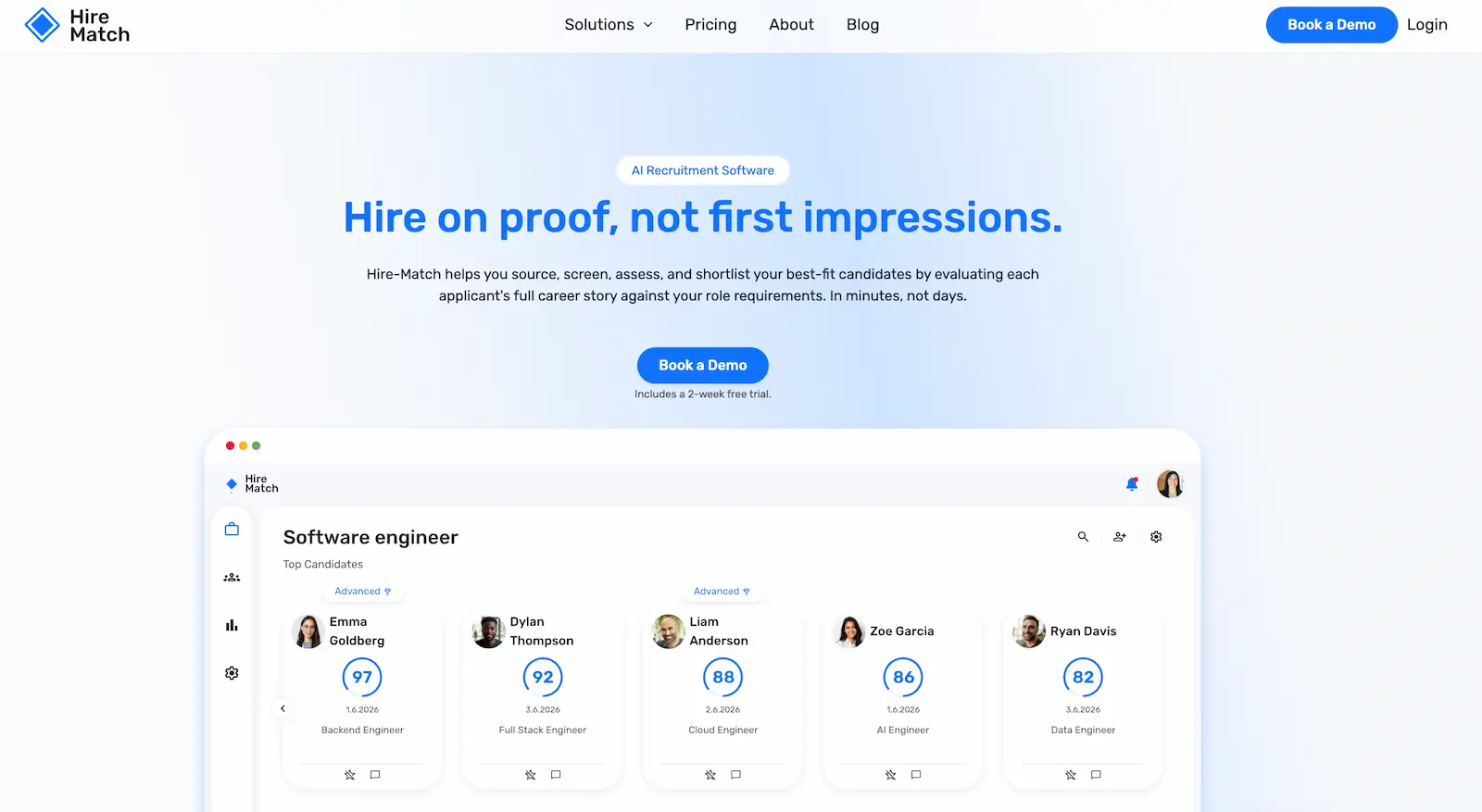
- AI-powered resume screening software and candidate ranking
- Career intelligence and transferable skills analysis
- Automated video interview software
- 2,000+ optional candidate assessments
- Clara AI recruiter with explainable recommendations
- Automated candidate sourcing and talent rediscovery
Why We Chose Hire-Match
Hourly hiring often involves reviewing large numbers of applications for positions that need to be filled quickly. Hire-Match helps employers manage this workload by screening resumes to evaluate candidates’ experience and transferable skills and creating ranked shortlists without compromising on quality. Its advanced career intelligence technology considers broader employment history and context rather than basing matches on keywords alone.
Hire-Match also supports consistent, role-specific evaluations across different hourly positions. Employers can automate AI and asynchronous interviews to assess candidates against the same criteria, with pre-employment assessments for customer service skills, workplace behaviors, and other job requirements. Clara explains candidate recommendations and helps recruiters compare applicants without manually reviewing every resume or interview response. This makes Hire-Match an excellent choice for employers managing high application volumes or recurring vacancies while still maintaining human oversight.
Pros
- ✓ Reduces manual screening and shortlisting workloads
- ✓ Evaluates transferable skills beyond resume keywords
- ✓ Consistent candidate evaluations across multiple roles
- ✓ Flexible interview formats accommodate candidate schedules
- ✓ Explainable AI recommendations support recruiter oversight
- ✓ No additional charges for higher application volumes
Cons
- − Not specifically designed for hourly workforce management or shift scheduling
- − Pre-employment assessments cost extra
- − Career-history analysis may be less valuable for shift workers with less experience
Integrations
Integrates with popular ATS platforms and job boards or can be used as a standalone system.
Pricing
Pricing is tiered, starting with 1–4 active job openings, with unlimited applicants and recruiter seats. This pricing option is ideal for high-volume hiring. Optional assessments cost extra, and a 2-week free trial and demo are available.
2. Fountain
Best for: Frontline employers looking to manage high-volume hiring, onboarding, and workforce scheduling across multiple locations.
Key features
- AI-powered candidate sourcing and screening
- Mobile-first applications
- Automated interview scheduling and candidate communication
- Applicant tracking system (ATS) and candidate CRM
- AI candidate matching and talent rediscovery
- Automated onboarding and compliance workflows
- Shift scheduling and workforce demand forecasting
- Cue AI orchestration and recruiting agents
Why We Chose Fountain
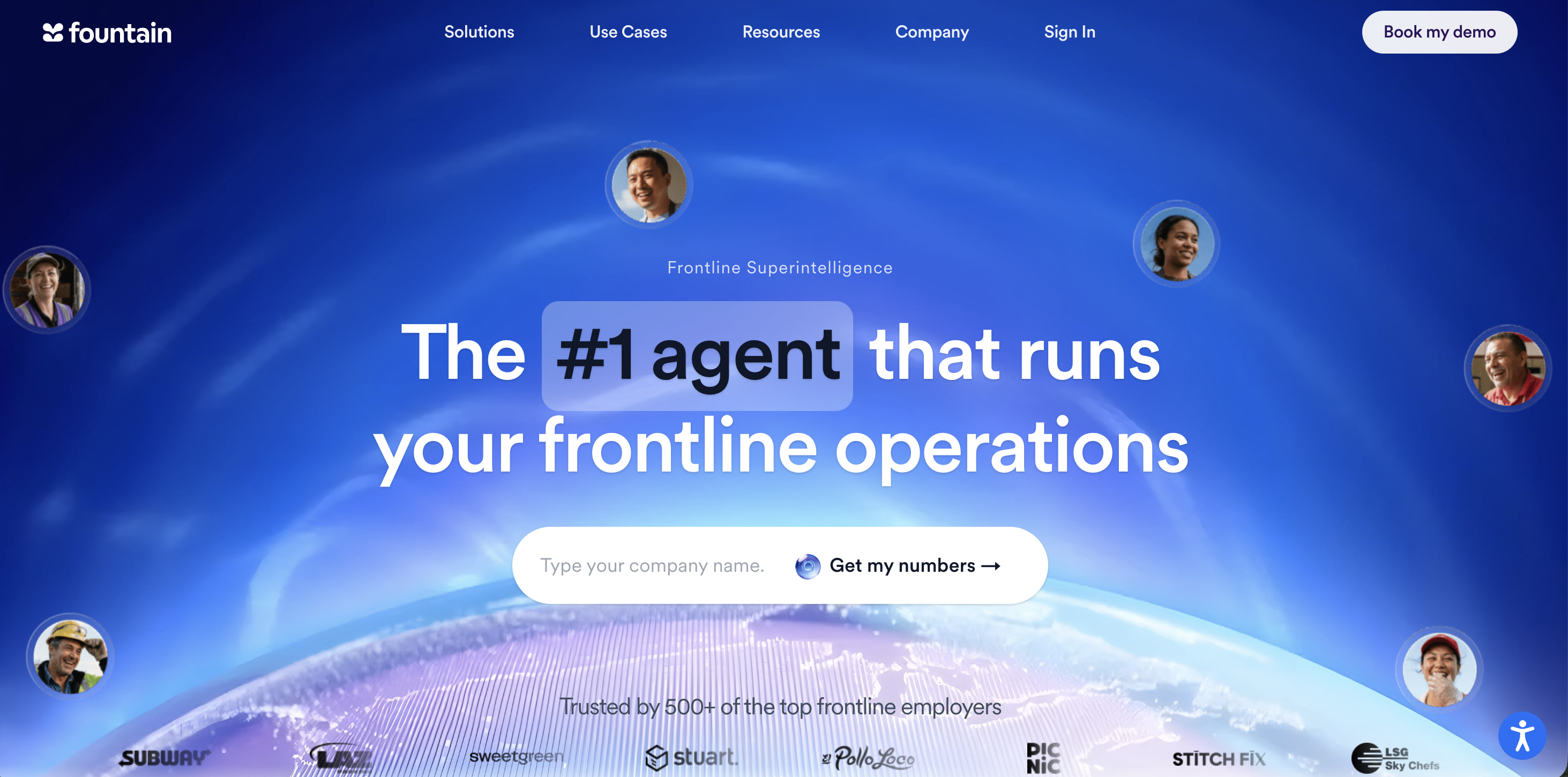
Fountain is specifically built for frontline and hourly workforces, offering a complex platform that connects recruitment with onboarding and shift management. Its ATS automates application screening, interview scheduling, candidate communication, and offer management, reducing manual work for recruiters and speeding up the hiring process. Employers can also use Fountain's sourcing and CRM tools to find new candidates or reconnect with previous candidates, making it particularly useful for organizations facing recurring vacancies, seasonal demand, or high employee turnover.
Fountain is particularly unique in its ability to connect hiring decisions with actual workforce requirements. Employers can customize recruitment workflows by role and location, automate onboarding paperwork, and manage shift coverage based on worker availability, qualifications, and location. Its AI system, Cue, coordinates tasks across these processes, from sourcing applicants to identifying staffing gaps and matching available workers to shifts. This makes Fountain especially suitable for large retail, hospitality, logistics, and other multi-location employers that need to recruit quickly.
Pros
- ✓ Purpose-built for frontline and hourly hiring
- ✓ Covers recruitment, onboarding, and workforce scheduling
- ✓ Supports high-volume and multi-location hiring
- ✓ Mobile-friendly applications and onboarding
- ✓ Automated candidate re-engagement reduces repeat sourcing
- ✓ Shift matching helps address staffing shortages
Cons
- − Catered to specific industries, which may alienate other types of employers
- − Less specialized in in-depth candidate assessments and screening than other platforms
Integrations
Connects with 40+ HR, scheduling, compliance, and recruitment systems, including Workday, UKG, SAP, and ADP.
Pricing
Custom pricing is available upon request. Employers can also book a demo to discuss their hiring volume and required solutions.
3. Paradox
Best for: Employers looking to simplify hourly job applications, automate candidate communication, and accelerate interview scheduling.
Key features
- Olivia AI conversational recruiting assistant
- Mobile-first, text-to-apply applications
- Automated qualification screening
- Interview self-scheduling, rescheduling, and reminders
- Multilingual candidate communication
- Automated candidate engagement and onboarding
- Conversational CRM and talent rediscovery
Why We Chose Paradox
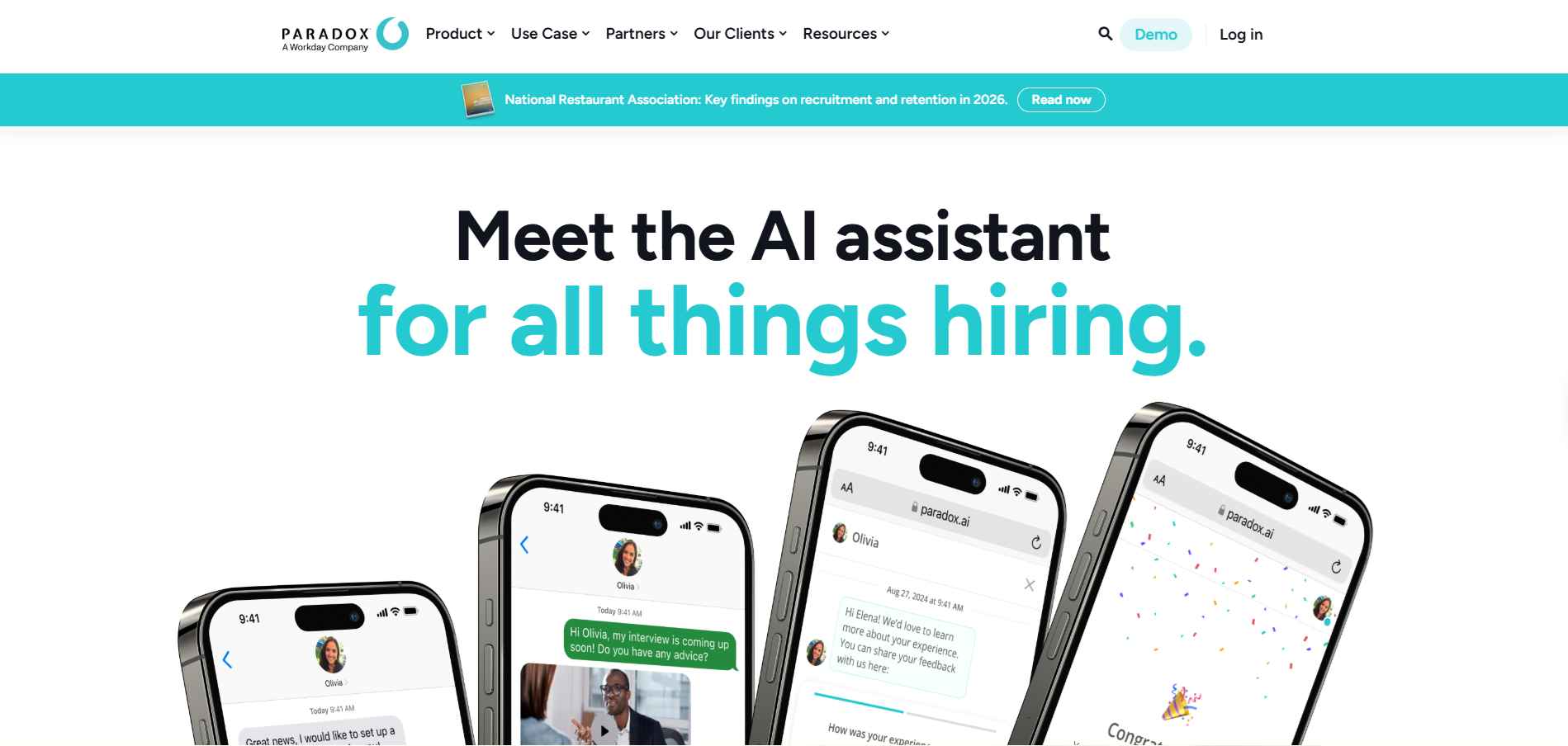
Paradox stands out for making hourly recruitment faster and more accessible through its AI assistant, Olivia. Rather than asking candidates to complete long and complex application forms, Paradox offers a more conversational attitude towards screening. Candidates can chat with Olivia through SMS, WhatsApp, and Facebook Messenger about the role and their experience. They can apply directly from their phones, while Olivia automatically collects information about their qualifications and job requirements. This is particularly useful for retail, hospitality, and other frontline employers recruiting candidates who may have limited time to complete traditional applications.
Paradox also offers automated interview coordination, reducing delays when filling urgent vacancies. Candidates can self-schedule interviews, while Olivia handles rescheduling and answers questions at any time of the day. Employers can also build talent pools based on location, qualifications, and interests, making it easier to reconnect with previous applicants during seasonal hiring spikes. With a conversational ATS or an AI agent that integrates with existing systems, Paradox can support both centralized recruitment teams and individual hiring managers across multiple locations.
Pros
- ✓ Fast, mobile-friendly applications without accounts or passwords
- ✓ Automated screening and scheduling reduce administrative workloads
- ✓ 24/7 candidate communication and multilingual support
- ✓ Location-based talent pools support recurring vacancies
- ✓ Automated reminders help reduce interview no-shows
- ✓ Can work alongside an existing ATS
Cons
- − Less focused on comprehensive skills assessments and candidate evaluation
- − AI screening primarily collects information against predefined job requirements
- − Extensive functionality may be unnecessary for smaller hiring teams
Integrations
Integrates with existing ATS platforms, recruiter calendars, and other HR systems through integrations and an open API.
Pricing
Custom pricing is available upon request; employers can schedule a demo to discuss their requirements.
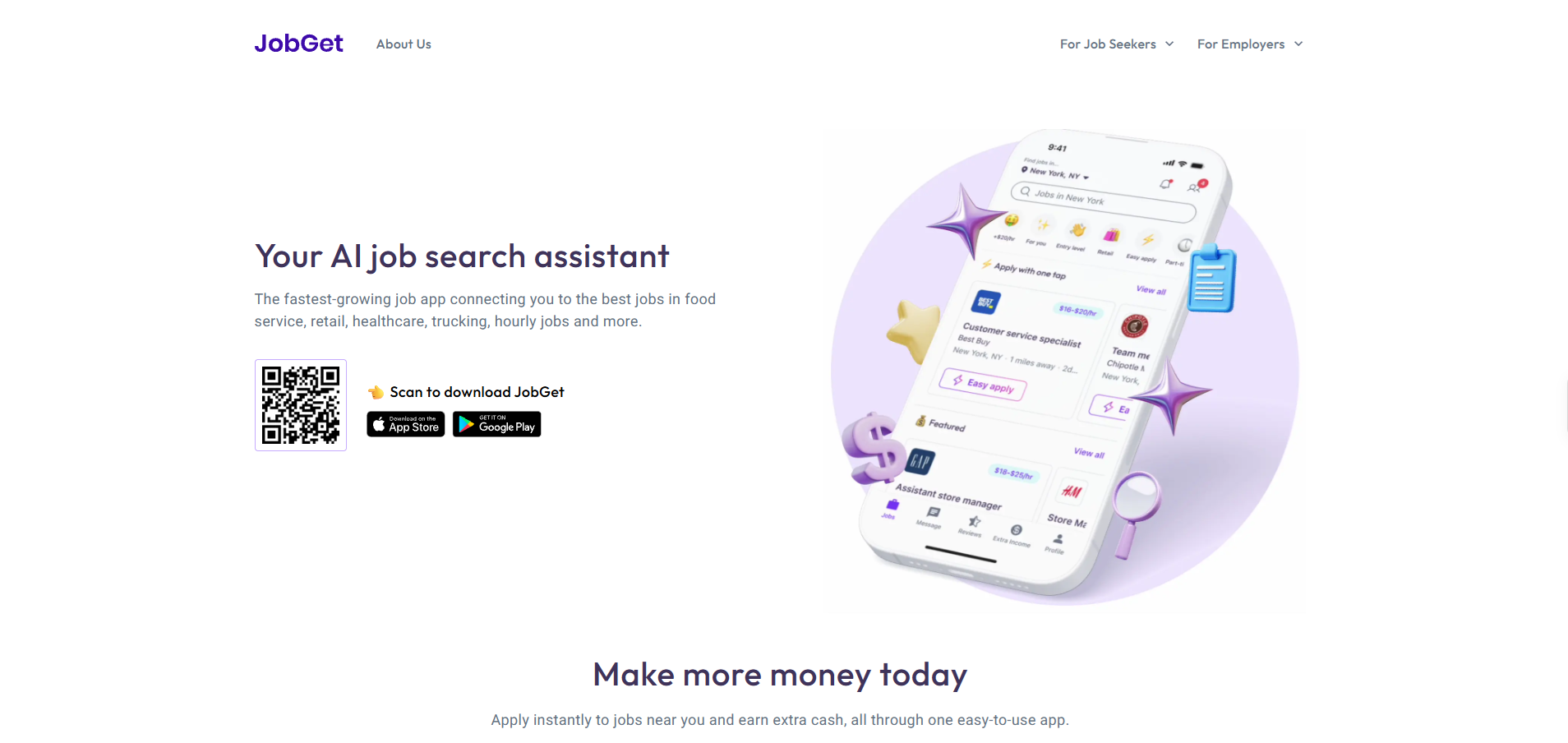
4. JobGet
Best for: Employers looking to attract local hourly workers, improve recruitment advertising, and fill high-volume vacancies.
Key features
- 100M+ combined worker network
- Mobile-first job applications
- AI-powered job and skills matching
- Distribution across 100+ job boards
- Automated recruitment advertising optimization
- Candidate screening and interview self-scheduling
- SMS and email interview reminders
Why We Chose JobGet
JobGet has a big focus on attracting hourly workers across industries such as retail, hospitality, transportation, and manufacturing. Following its collaboration with Snagajob and Seasoned, employers can access a network of more than 100 million everyday workers through a single recruitment tool. Its mobile-first approach allows candidates to find nearby opportunities and apply quickly, while skill matching helps employers reach applicants who may be suitable for their vacancies. JobGet is particularly useful for businesses competing for local talent or regularly recruiting for frontline positions.
While sourcing is its main feature, JobGet also offers tools designed to help employers turn applications into hires. Its SpendSmart technology integrates with your ATS and automatically adjusts recruitment advertising budgets based on hiring progress, directing more spending toward difficult-to-fill roles and locations. HireReady screens applicants against job requirements, enables qualified candidates to book interviews immediately, and sends automated reminders to reduce no-shows. JobGet is a strong option for multi-location employers looking to improve recruitment efficiency without replacing their existing ATS.
Pros
- ✓ Large network focused on hourly and frontline workers
- ✓ Mobile-first applications reduce candidate friction
- ✓ Access to retail, hospitality, and other industry-specific talent pools
- ✓ Automated advertising optimization for hard-to-fill vacancies
- ✓ Interview scheduling and reminders help reduce no-shows
- ✓ Integrates with existing applicant tracking systems
Cons
- − Less focused on in-depth candidate assessments
- − Primarily designed for attracting and converting applicants rather than managing the entire employee lifecycle
- − Enterprise solutions target employers with 50+ open roles
Integrations
Integrates with ATS platforms including Workday, Greenhouse, BambooHR, Fountain, UKG, ADP, and SAP SuccessFactors.
Pricing
Pricing is per day for job promotion, while enterprise solutions such as SpendSmart and HireReady require a custom quote.
5. Harver
Best for: Employers looking to assess job-relevant skills, match candidates to suitable hourly positions, and reduce employee turnover.
Key features
- 450+ validated pre-employment assessments
- Behavioral, cognitive, and job-specific skills testing
- Automated candidate scoring and matching
- Realistic job previews
- Shift availability and location-based matching
- One-way video interviews
- Automated reference checking
- Recruitment analytics and retention insights
Why We Chose Harver
Harver helps employers evaluate large applicant volumes without sacrificing assessment quality. Its scientifically validated assessments can evaluate candidates in as little as 6 minutes, measuring workplace behaviors, abilities, and role-specific skills. Automated scoring and matching help recruiters quickly identify suitable applicants, while realistic job previews show candidates what the position involves before they accept an offer. This is a valuable tool for retail, manufacturing, and customer service employers who aim to improve candidate fit and reduce early employee turnover.
Harver can also match candidates across multiple positions and locations. Applicants from the existing talent pool can customize their preferred shifts and locations, allowing recruiters to offer alternative vacancies that better suit their qualifications or availability. Harver also offers automated interview scheduling, one-way video interviews, and reference checking to reduce administrative delays, making it a particularly special choice for those managing recurring hourly vacancies across multiple sites.
Pros
- ✓ Assessments specifically designed for hourly hiring
- ✓ Short assessments support faster candidate evaluation
- ✓ Matches candidates across roles, shifts, and locations
- ✓ Realistic job previews help set expectations
- ✓ Automated screening, interviewing, and reference checking
- ✓ Recruitment analytics include employee retention insights
Cons
- − Extensive assessment capabilities may be unnecessary for straightforward entry-level roles
- − Requires careful assessment selection to avoid unnecessary candidate drop-off
- − Pricing is not publicly available
Integrations
Integrates with existing ATS platforms, with pre-built and custom integration options available.
Pricing
Custom pricing is available upon request; employers can request a demo to discuss their hiring requirements.
6. WorkBright
Best for: Employers who want to simplify onboarding paperwork and maintain compliance when hiring large numbers of hourly workers.
Key features
- Mobile-first employee onboarding
- Digital forms and electronic signatures
- Automated Form I-9 and E-Verify workflows
- 150+ automated compliance checks
- Remote employment eligibility verification
- Automated document reminders and tracking
- Centralized employee records and audit trails
- Customizable onboarding workflows
Why We Chose WorkBright
Hiring hourly workers quickly is important, but onboarding new starters without delays caused by paperwork and employment verification means the next stage of hiring can continue just as smoothly. WorkBright addresses this challenge with mobile-first onboarding and automated HR compliance workflows. New hires can complete employment forms, upload documents, and provide electronic signatures from their phones before their first shift. Automated reminders, pre-filled forms, and real-time completion tracking reduce the need for HR teams to chase missing paperwork.
WorkBright is particularly skilled in Form I-9 and E-Verify compliance, offering more than 150 automated checks to identify errors and potential document fraud. It supports in-person and remote verification, while centralized records and audit trails help employers maintain consistent processes across multiple locations. Employers can also assign paperwork by role, department, or location and manage federal, state, and company-specific documents. These tools help employers move candidates from accepted offers to their first day without unnecessary administrative delays.
Pros
- ✓ Mobile-friendly onboarding for hourly and seasonal workers
- ✓ Automated reminders reduce paperwork delays
- ✓ Strong I-9 and E-Verify compliance capabilities
- ✓ Supports remote and multi-location onboarding
- ✓ Centralized, audit-ready employee records
- ✓ Flexible integrations with existing HR systems
Cons
- − Focuses on post-offer onboarding rather than candidate sourcing or selection
- − I-9 and E-Verify functionality is specific to US employment requirements
- − May be more specialized than employers needing only basic onboarding forms require
Integrations
Offers 200+ no-code integrations, including Workday, ADP, and UKG, alongside an open API and embedded integration options.
Pricing
Custom pricing is available for WorkBright's software, while its fully managed WorkBright+ I-9 service costs $25 per record.
How to Choose Software to Streamline Hourly Workforce Hiring
The best hourly hiring software depends on what part of the hiring process needs to become more efficient for hiring at speed or scale.
Here's what to consider when comparing platforms:
1. Assess Your Hiring Volume
Consider whether high-volume hiring is consistent or whether demand fluctuates throughout the year. Businesses managing seasonal recruitment or frequent vacancies need software that can handle sudden spikes in applications without creating additional administrative work.
Pricing is also significant. Per-applicant or per-hire fees can quickly add up when recruiting at high volumes.
2. Identify Your Biggest Hiring Bottleneck
Think about which parts of your recruitment process take the most time. Are you struggling to attract enough applicants, manually screening hundreds of resumes, or coordinating interviews across multiple locations?
Different platforms solve different problems. For example, JobGet focuses on AI sourcing, Hire-Match provides AI candidate screening and shortlisting, and Paradox simplifies candidate communication with recruitment automation and interview scheduling.
3. Understand Where Candidates Drop Off
Look at where candidates abandon your hiring process (predictive hiring software can help here). Common problem areas include lengthy applications, delays in scheduling interviews, poor communication, and complicated onboarding paperwork.
If patterns show that candidates abandon applications, prioritize mobile-first software with easy application forms. If interview no-shows are a problem, look for automated scheduling, confirmations, and reminders.
4. Check ATS Integrations
If you already use an applicant tracking system, check whether the software integrates with it. ATS integrations allow candidate information, hiring statuses, and recruitment activities to move between systems easily.
If you don’t have an ATS, consider a tool that works standalone or as its own applicant tracking system.
5. Consider Your Locations and Hiring Requirements
Employers recruiting across multiple locations may need to consider centralized hiring dashboards, location-based candidate matching, multilingual recruitment software, and customizable workflows for different positions.
For shift-based roles, features such as availability screening can also help identify candidates who can work the required hours.
6. Evaluate Security and Compliance
Hourly hiring software often handles sensitive candidate information, including personal details, employment records, and identification documents.
Check for data encryption, regular audits, and security certifications. For example, ISO/IEC 27001, SOC 2 Type II, and ISO/IEC 42001. US employers should also consider applicable employment regulations, including Form I-9 and E-Verify requirements.
7. Compare the Total Cost
Value is about more than looking for the cheapest platforms, but exactly how payments are charged. Some platforms charge based on active job openings, applicant numbers, recruiter seats, or additional services.
Pricing based on active job openings can be particularly cost-friendly for those hiring at volume, as you can process hundreds of applications for the same vacancy without having to pay more. However, it might not be as useful during seasonal periods when there are multiple new vacancies.
In A Nutshell
The best hourly hiring software makes recruitment faster and easier for both employers and candidates. Choose mobile-friendly software, automated workflows, and tools designed to handle high application volumes without slowing down the hiring process.
For a complete solution, consider how well the platform integrates with your existing systems, whether pricing remains affordable as hiring volumes grow, and what stages of the hiring process are covered.
If screening and shortlisting are slowing down your hourly hiring process, try the free Hire-Match demo.
Frequently asked questions
The best hourly hiring software depends on your industry and recruitment needs. Paradox is particularly useful for restaurants and retailers that need mobile applications and automated interview scheduling. Fountain supports high-volume, multi-location hiring across retail, hospitality, and logistics, while Harver offers job-specific assessments for roles in warehouses, manufacturing, and customer service. Hire-Match is a strong option for employers looking to automate candidate screening and shortlisting across different hourly positions.
Hourly hiring software pricing varies depending on the platform, hiring volume, and features required. Some providers charge per active job opening, while others use subscription-based, per-applicant, or custom enterprise pricing. Exact average pricing is difficult to determine since many platforms require you to reach out for a custom quote.
High-volume hiring software helps employers recruit large numbers of workers efficiently, regardless of whether positions are hourly or salaried. It typically focuses on automating sourcing, screening, interviews, and candidate communication.
Hourly hiring software is designed specifically for hourly-paid and shift-based roles, often prioritizing mobile applications, fast hiring, location-based recruitment, and shift availability. The two categories overlap considerably, particularly for employers recruiting large frontline workforces.
AI can automate time-consuming recruitment tasks, including resume screening, candidate matching, interview scheduling, and applicant communication. This helps employers process large application volumes and identify suitable candidates faster.
Some AI-powered hourly hiring tools also provide candidate rankings and recommendations. Employers should prioritize platforms that explain how candidates are evaluated and allow recruiters to review and make final hiring decisions.
Not necessarily. Many hourly recruitment software solutions integrate with existing applicant tracking systems, allowing employers to add specialized functionality without replacing their ATS.
For example, you might use JobGet to attract more hourly applicants, Hire-Match to automate screening, or WorkBright to streamline onboarding and employment verification. If your existing ATS already handles these tasks effectively, a separate platform may not be necessary.
Our recruitment solutions.
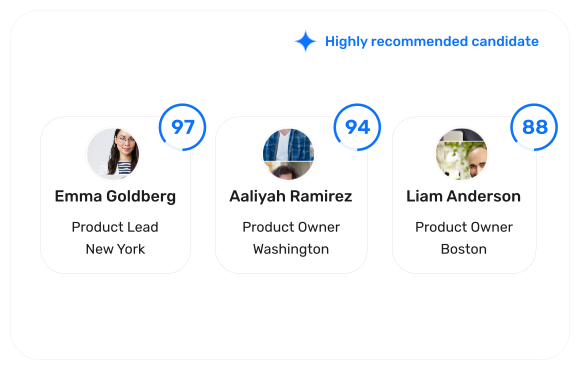
Resume screening software
Turn a pile of resumes into a ranked shortlist, backed by clear hiring evidence.
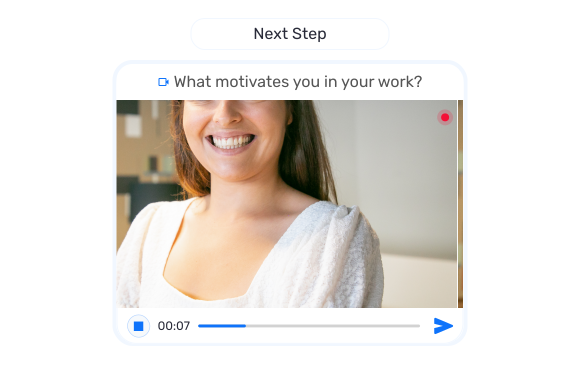
Interview software
Screen candidates with structured video, audio, and conversational interviews.
AI recruiter
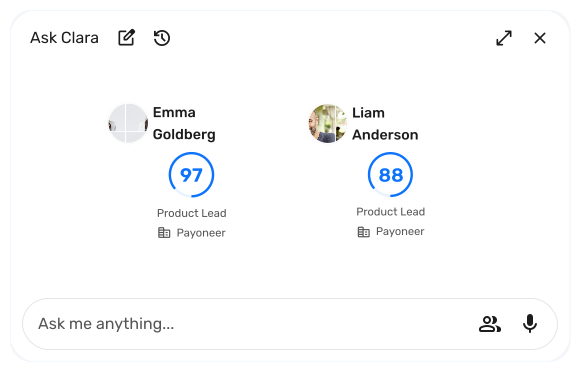
Ask Clara, your recruiting assistant, anything about any candidate in your hiring pipeline.
Candidate assessments
Validate cognitive ability, behavioural fit, and job-specific skills.